23
Installation
5.2 End of Line Testing
End of line testing is required on all iABS installations. To run these tests, WABCO recommends you use
TOOLBOX PLUS™ Software.
TOOLBOX PLUS™ general test procedures are included in this document.
5.2.1 Trailer iABS 2S/2M, 4S/2M and 4S/3M Installation — End of Line Testing
Procedure with TOOLBOX PLUS™ Software
1. Connect the diagnostic adapter (RP1210 and/or RP1210B compliant) to the PC USB port.
Then connect the other end of the diagnostic adapter to either the Trailer main power line (J560
connection), or to the separately installed diagnostic cable, part number 449 606 030 0.
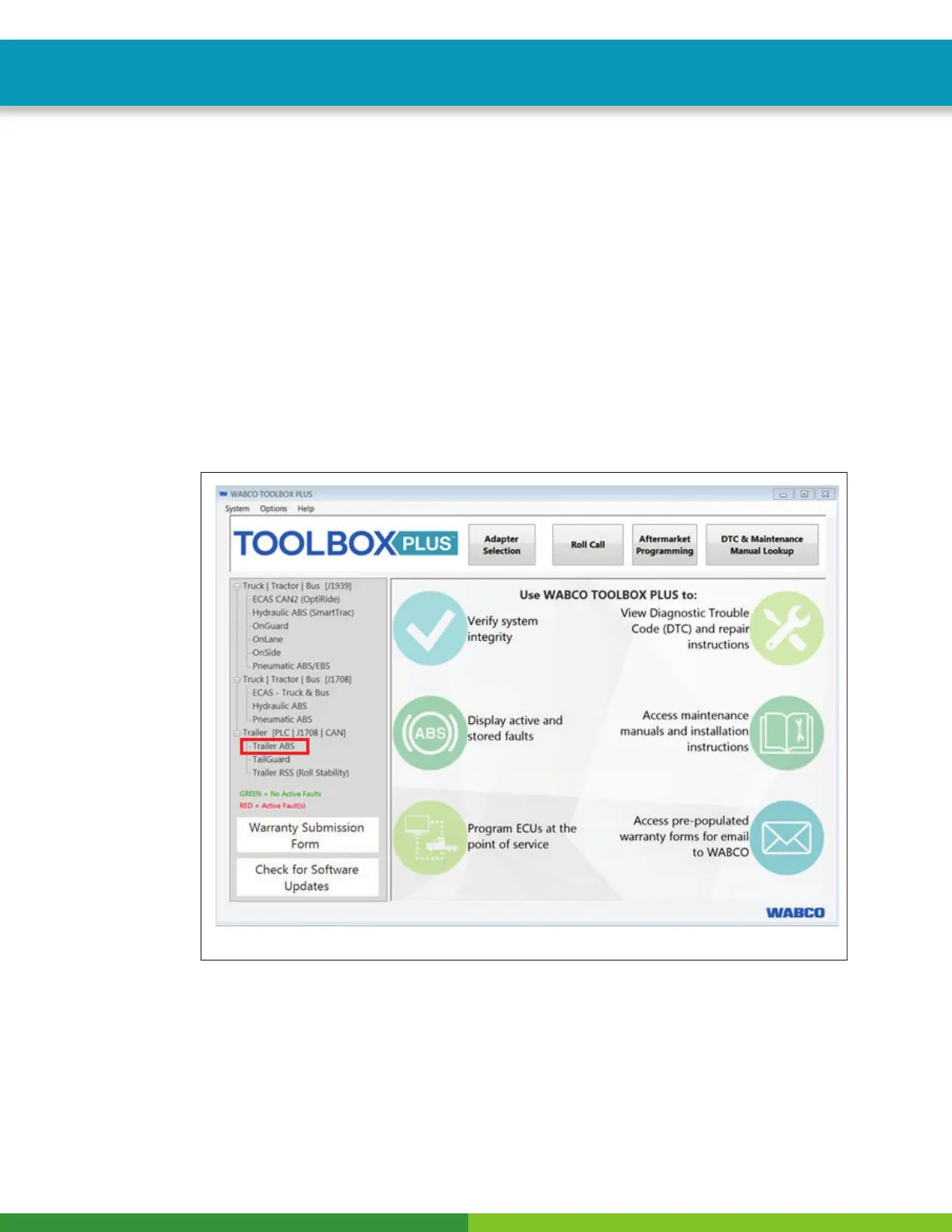
2. Open the iABS Diagnostics from the TOOLBOX PLUS™ Main Screen by selecting the Trailer ABS
diagnostic section. Figure 19.
Fig. 19
4017111a



 To Next Page