27
Installation
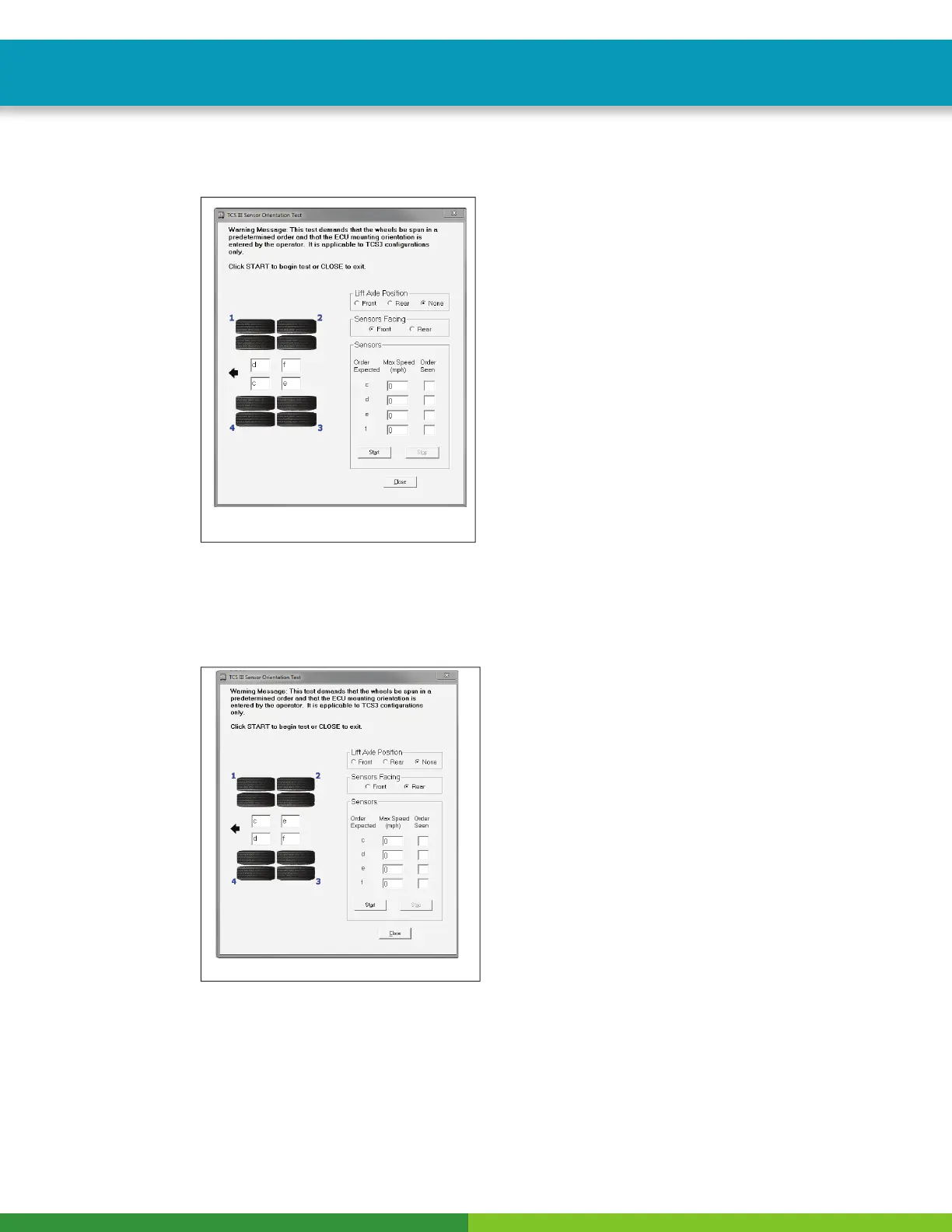
When the Sensor Orientation Test screen fi rst appears, the Control Port Facing fi eld will display the default
Front. This will occur regardless of the actual control port orientation of the installation being tested.
Fig. 24
4014084a
5. Click on Front or Rear in the Control Port Facing fi eld to select the mounting orientation of the
ECU/dual modulator valve assembly. Figure 25.
Refer to Figure 24 and Figure 25 for illustrations of the ECU/dual modulator assembly mounted with the
control port facing forward and rear. The correct mounting orientation must be selected prior to starting the
test (Step 5).
Fig. 25
4014085a



 To Next Page