Contents
Index
Contents
37
Index
37
EXPRESSKEY BASICS
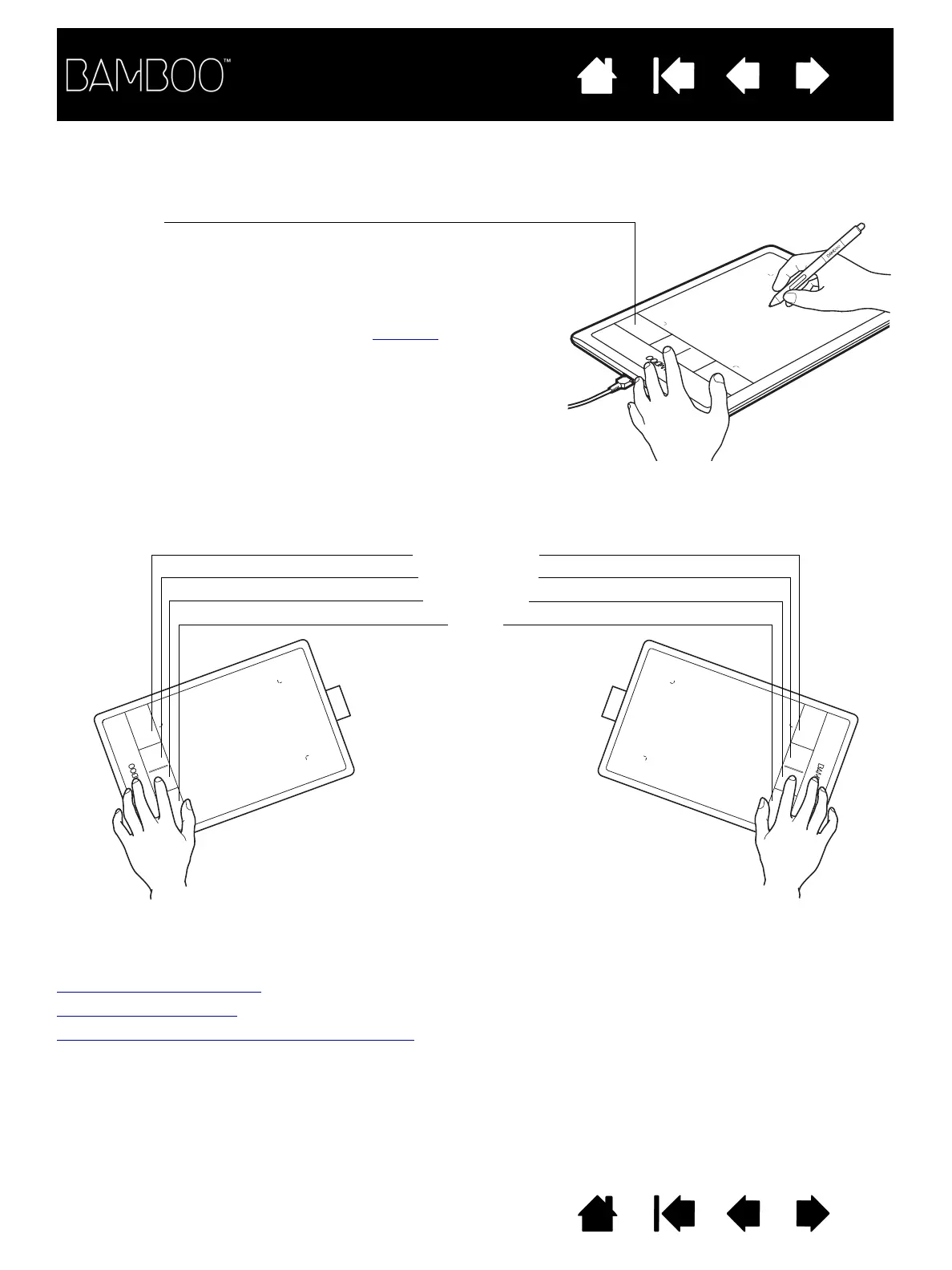
Press individual keys to perform frequently used functions or keystrokes. ExpressKeys can also be used to
modify touch or pen input properties as you work.
CUSTOMIZING THE EXPRESSKEYS
Use the Bamboo control panel to customize the ExpressKey options.
Opening the control panel
Control panel overview
Customizing tablet and ExpressKey functions
ExpressKeys
Consider some of these ways to use the ExpressKeys:
• Set a key to a commonly used keyboard shortcut.
• Set a key to launch a commonly used file or application, such as
your email program.
• Choose from any of the other available functions
.
Note: The ExpressKeys can be operated in combination with one
another. For example, program one key for the C
TRL
function
and another for A
LT
. When you press both keys at the same
time a C
TRL
+A
LT
function is initiated.
Default settings:
T
OUCH
T
OGGLE
B
AMBOO
D
OCK
R
IGHT
C
LICK
C
LICK
ExpressKeys configuration when
positioned on right side of tablet
(L
EFT
H
ANDED
orientation)
ExpressKeys configuration when
positioned on left side of tablet
(R
IGHT
H
ANDED
orientation)












 To Next Page