Contents
Index
Contents
49
Index
49
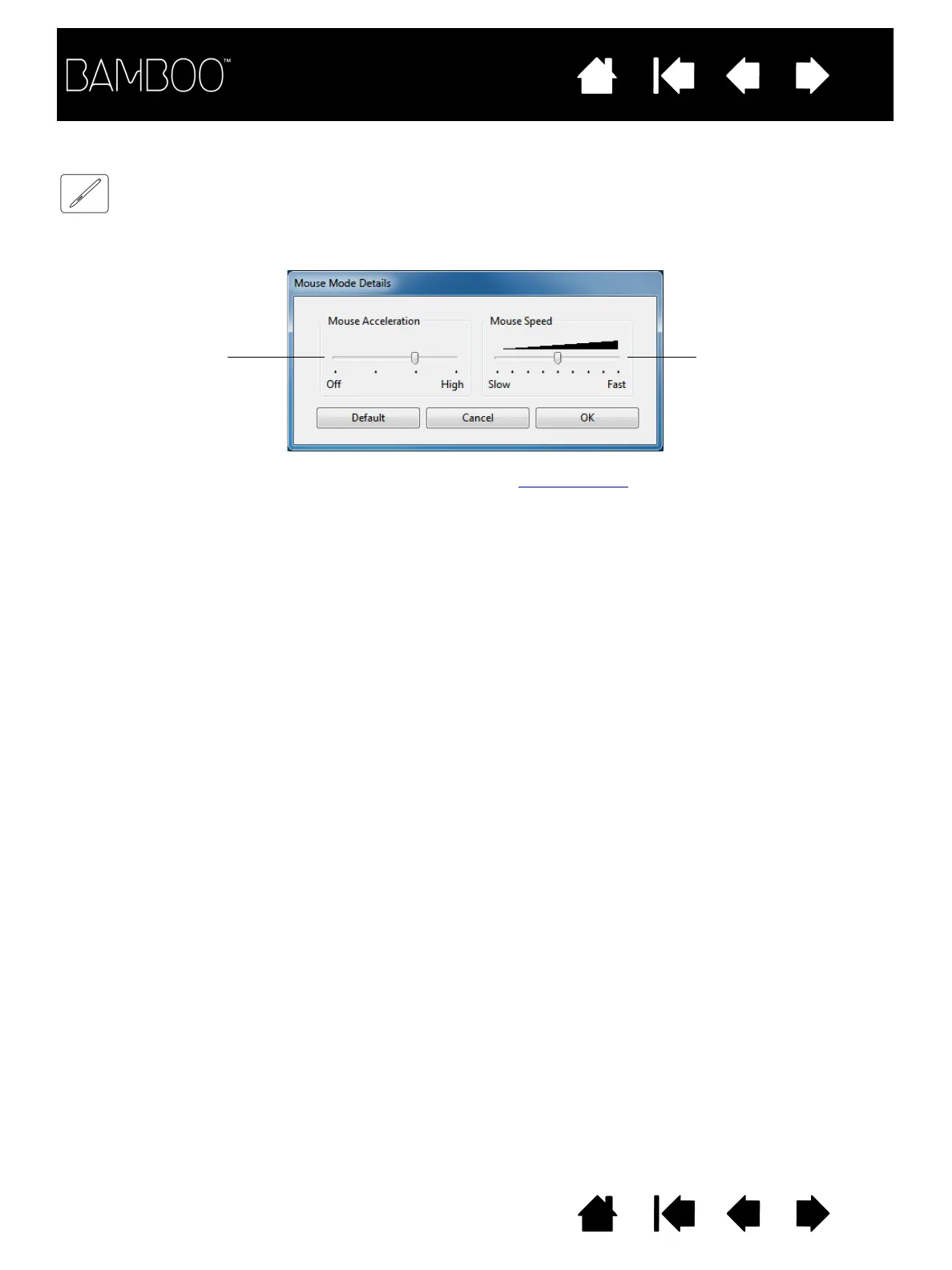
SETTING THE PEN SPEED IN MOUSE MODE
To change the screen cursor acceleration and speed when using the pen in mouse mode, click on the P
EN
tab M
OUSE
M
ODE
D
ETAILS
... button. A dialog box will be displayed where you can make your adjustments.
Sets the screen cursor
acceleration when in
mouse mode.
Sets the screen cursor
tracking speed when in
mouse mode.
Notes:
The dialog box will also appear when you set a button to M
ODE
T
OGGLE
.... Only one acceleration and speed
setting can be made.
The mouse mode acceleration and speed settings are independent of system settings. Changes you make to
these settings in the Bamboo control panel do not affect similar system settings. However, changes made to
similar system settings may affect your Bamboo tablet settings.












 To Next Page