Contents
Index
Contents
56
Index
56
FUNCTION DESCRIPTION
O
PEN
/R
UN
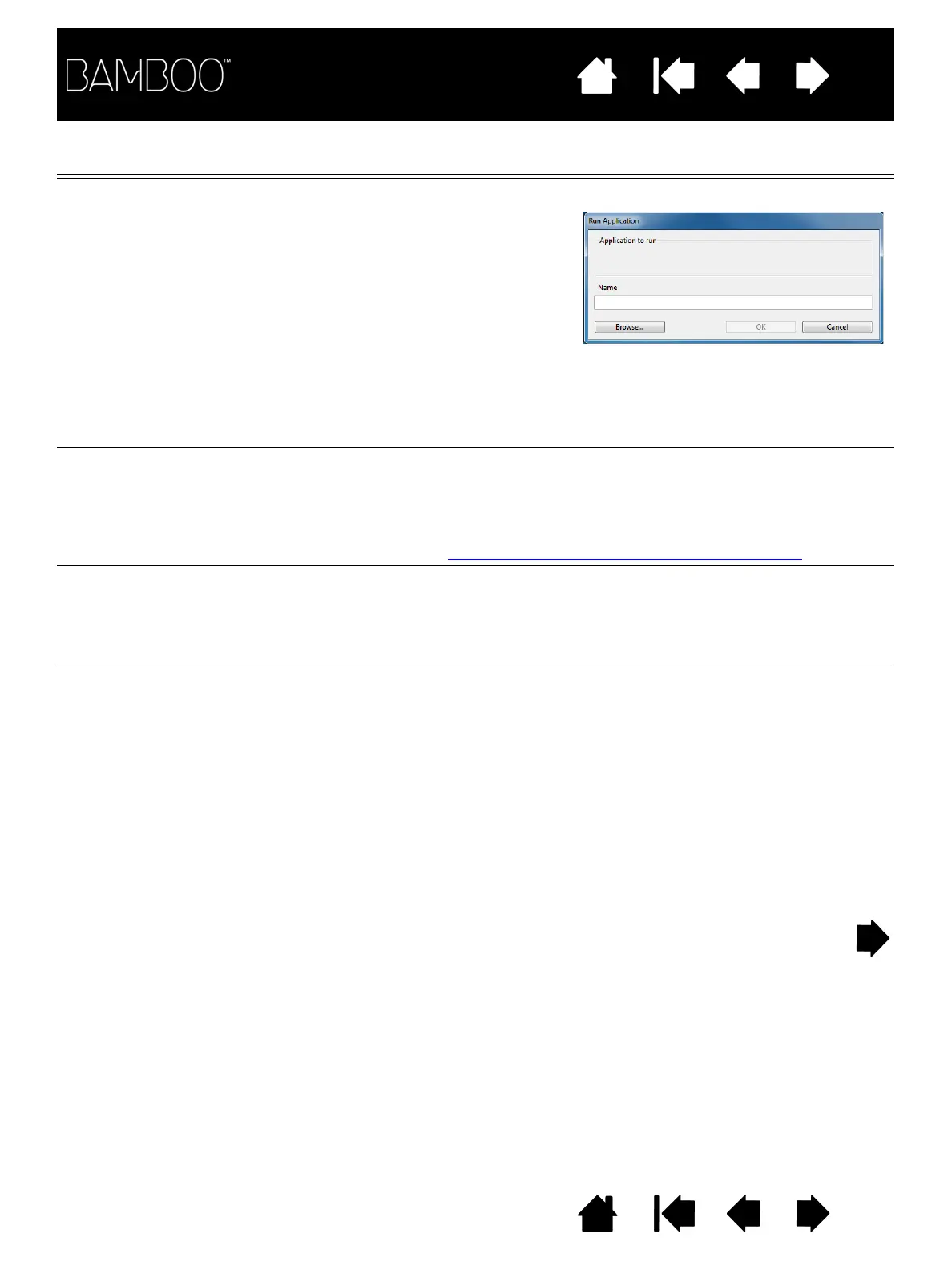
... Opens the
R
UN
A
PPLICATION dialog box.
T
OUCH
T
OGGLE
(Not available for Bamboo Pen tablets.) T
OUCH
T
OGGLE
is useful when
you are working with the pen and want to prevent accidental touch
input (e.g., to prevent an accidental right-click). Temporarily disable
touch by pressing an ExpressKey to which you have assigned the
T
OUCH
T
OGGLE
function. Press the ExpressKey again to re-enable touch
input. See also customizing tablet and ExpressKey functions
.
I
NK
T
OGGLE
(Mac.) Toggles the “ink in any application” function of Ink on and off. Ink
automatically recognizes and converts your handwriting into text and
inserts it into a document. Handwriting recognition must be turned on
for this function to work. See your Mac help for information on working
with Ink.
T
ABLET
PC
•T
ABLET
PC I
NPUT
P
ANEL
(Tablet PCs and Windows systems that support the Tablet PC Input
Panel.) Opens the Tablet PC Input Panel when you press a tool button
set to this function.
•J
OURNAL
(Windows 7 and Vista, and Tablet PC systems that include Microsoft
Journal.) Opens Microsoft Journal.
•T
ABLET
PC D
EFINED
(Tablet PCs and Windows systems that support the Tablet PC Input
Panel.) Sets the button function according to settings found in the:
• Windows 7 and Vista T
ABLET
PC S
ETTINGS
and P
EN
AND
I
NPUT
D
EVICES
control panels.
• Windows XP Tablet Edition T
ABLET
AND
P
EN
S
ETTINGS
control panel.
Click B
ROWSE
... to locate an
application, file, or script to
launch. Your selection appears in
the A
PPLICATION
TO
RUN
box.
Click OK to accept the selection.
The dialog box will close and the O
PEN
/R
UN
... option you have selected will be
assigned as your tool button option. Press the tool button to launch the
assigned option.
If your selection is for the Pop-up Menu, it will be displayed in the Pop-up
Menu list.












 To Next Page