10
B. MENU CONTROL
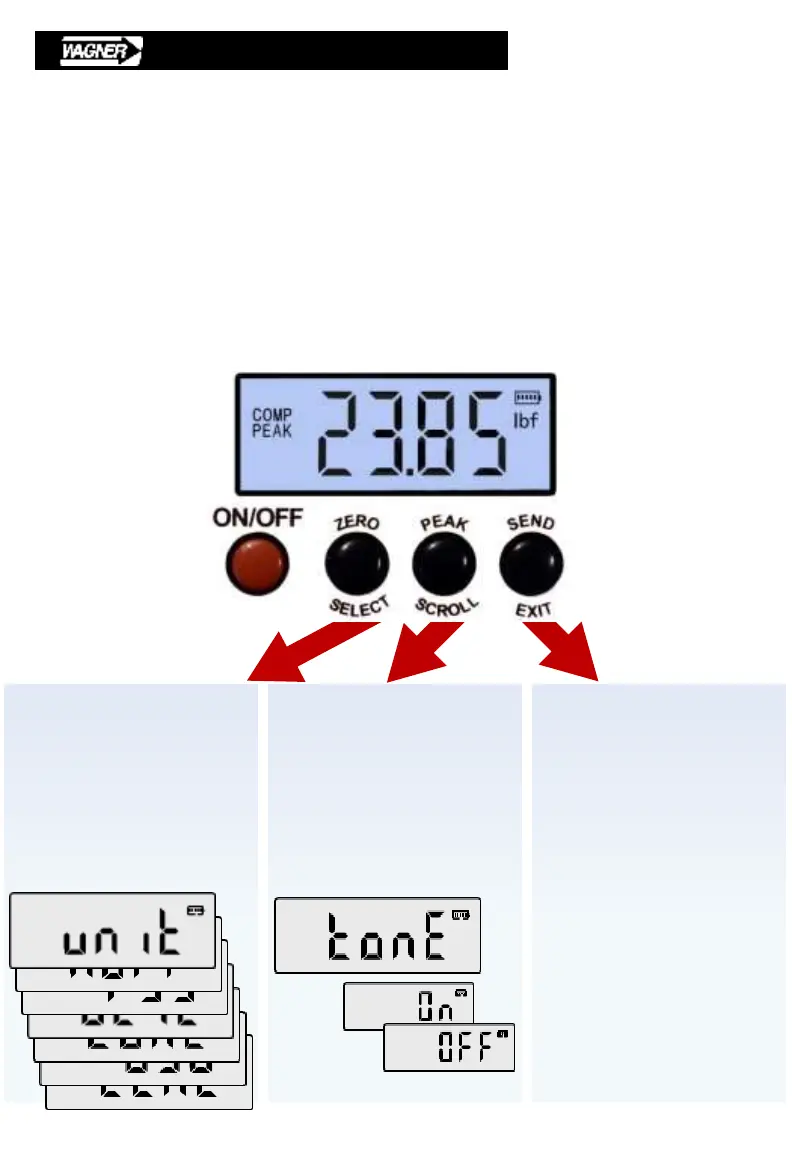
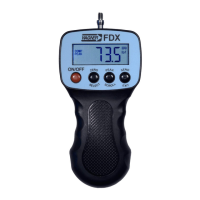
Three black buttons have the following additional functions:
SELECT • Select displayed item.
• Review selections within each option.
SCROLL • Review menu options.
• Review selections within each option.
EXIT • Cancel and return to previous menu option.
• Exit set-up menu.
Prior to testing, practice using buttons and menu navigation.
Scroll Menu
• Scroll to view
menu selection
• Wrap-around scroll
Exit & Save Menu
• Save new menu selections
• Leave menu at any time
Set-up Menu
• Select a category
• View & choose:
units, auto-off, filtering,
backlight, audible signal,
USB, calibration
• Change value
• Confirm change


 To Next Page