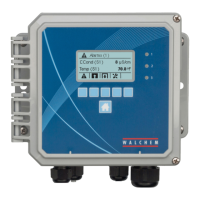
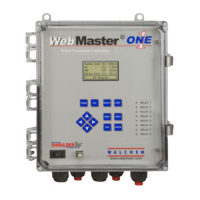
Quick Start Guide SECTION 6: WINDOWS XP
P/N 180273 Rev. N April 2017
1. USB DRIVER INSTALLATION FOR WINDOWS XP
Before inserting the CD into your computer, follow Steps 1-3 below!!
Step 1
► Power up your computer and the
WebMaster/WebAlert controller.
► Connect the supplied USB cable between the
computer USB port and the WebMaster/
WebAlert USB port on the front panel.
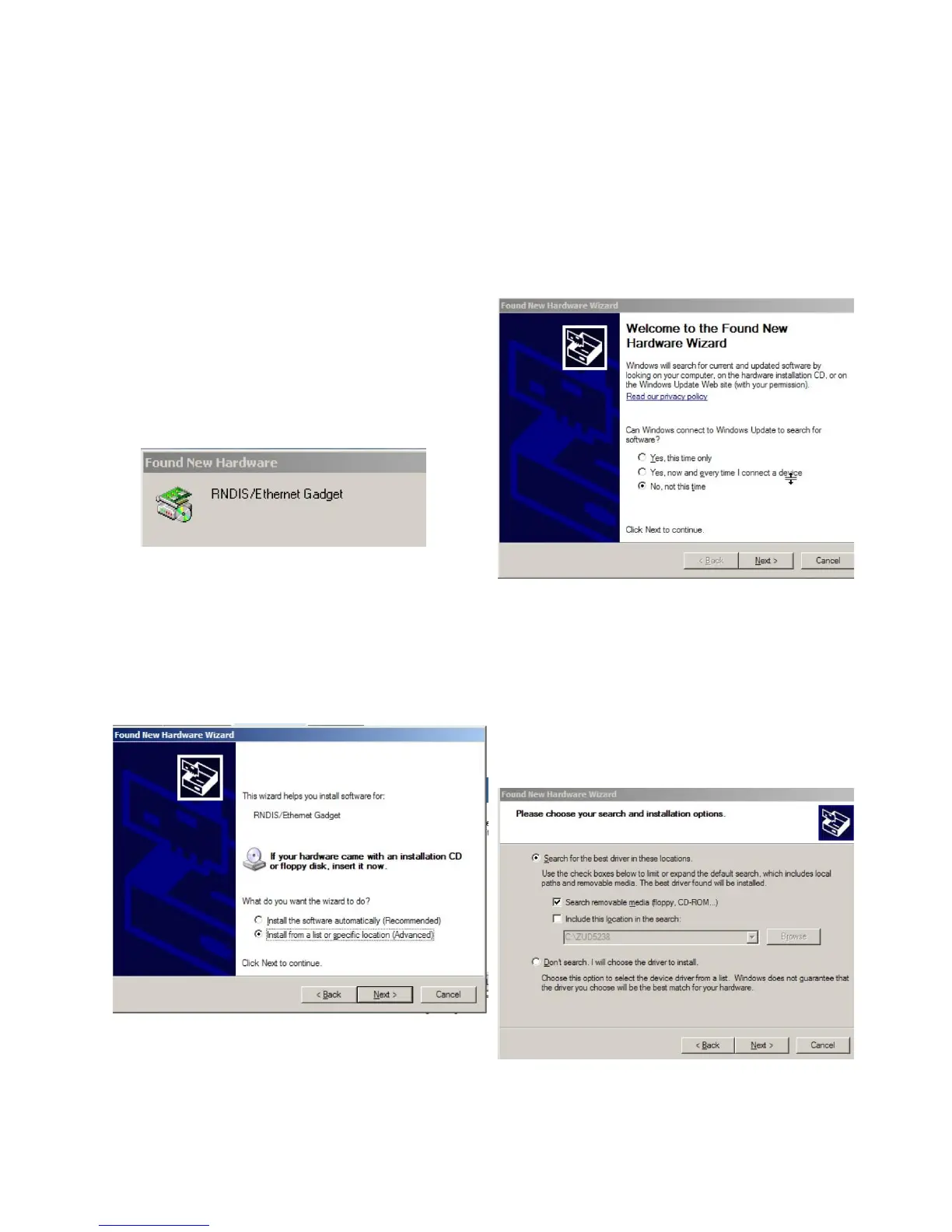
► You'll see this ‘Found New Hardware’
message.
Step 2
► Click ‘No, not this time’
► Click ‘Next’
Step 3
► Click ‘Install from a list of specific location’
► Click ‘Next’
Step 4
► Click ‘Search for the best driver’
► Check the box next to ‘Search removable
media’ and insert the CD supplied with
your controller into the CD-ROM drive
► Click ‘Next’


 To Next Page