Page
operating a complete validated cycle...
Please ensure that you have followed the instructions on pages 3 and 4
“before you operate your ultrasonic cleaner and installation” and have read
all of the “do’s and don’ts” on pages 25 and 26.
Place the instruments to be cleaned in the basket provided as described on
page 9.
Remove the lid, lower the basket into the cleaning fluid within the tank and
replace the lid.
Ensure that the home screen is displayed on the screen.
Set the time for the cycle. 3 minutes is the default and is suitable for
cleaning most dental instruments. The cycle length can be decrease or
increased in 30 second divisions by pressing the or keys.
Press and release the key (start/stop).
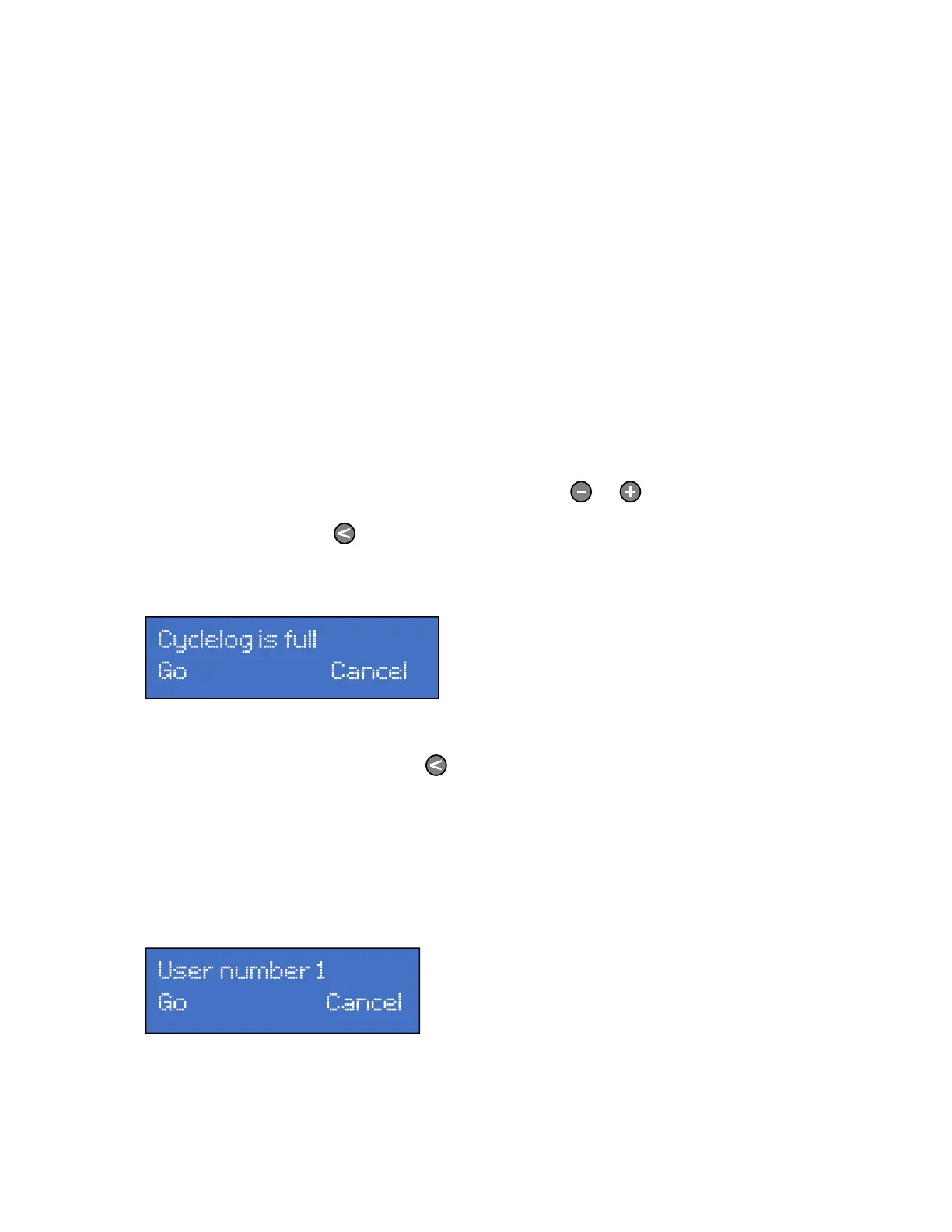
If the following screen is displayed:
…this indicates that the memory on the unit is full and unable to store any
more information. Pressing the key will continue with the cycle,
however INFORMATION ON THE OLDEST CYCLE WILL BE LOST AND
NOT RETRIEVABLE. Press cancel to end the cycle. You should then either
download the information as described on pages 16 to 19 or print the
information as described on page 14 and 15 of this handbook.
If memory is available the following screen is displayed:



 To Next Page