Page
first time use…
Depending on the length of time since the unit was last connected to the
mains, the clock may or may not be correctly set on delivery. On a full
charge the internal battery will power the clock for approximately 3
months.
The clock may also be set by connecting to a PC (See page 16 and 17.)
setting the clock…
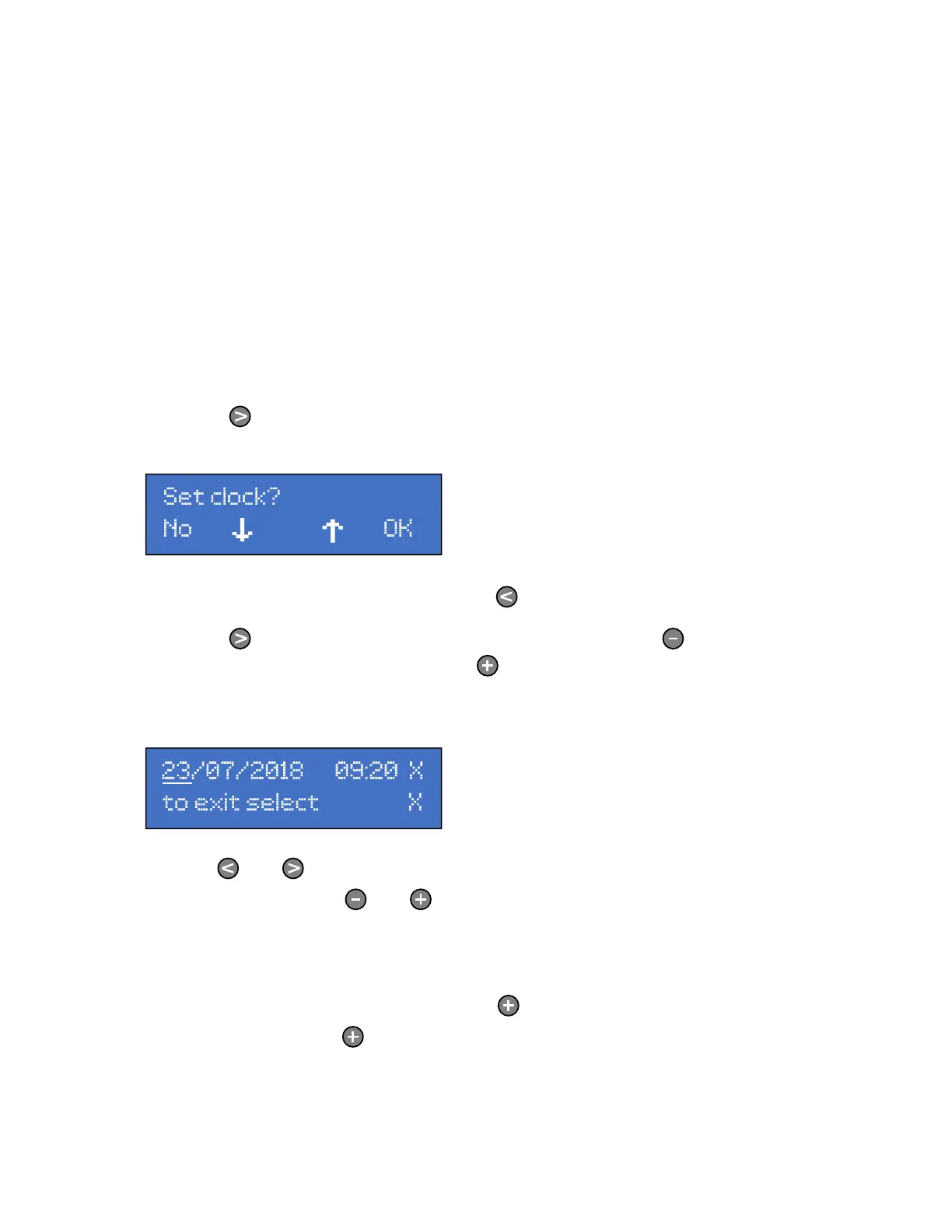
Press the key until the following screen is displayed.
To return to the Home Screen press the key
Press the key to move to the next menu item. Press the key to return
to the previous menu item. Press the key and the following screen is
displayed:
Use the and keys to move the cursor between the date, month, year,
hour and minute. The and keys decrease and increase the selected
digit.
Once the date and time are correctly displayed, move the cursor to the X
on the screen and press and release the key. The time starts counting
from the moment the key is pressed.
The date and time are now set.



 To Next Page