Page
transferring the information from the unit to a
PC...
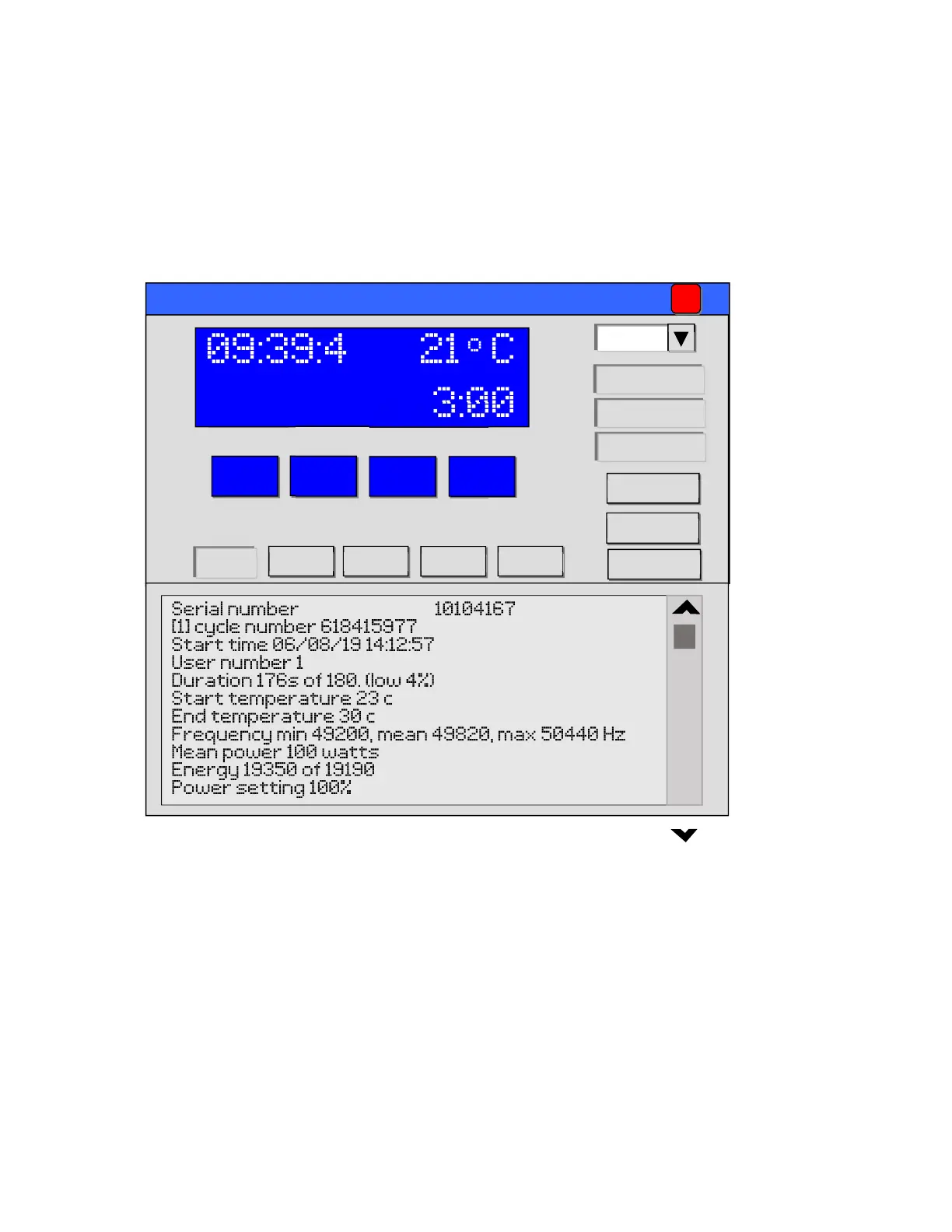
Double click the UltrasonUSB icon on your desktop to load the program.
A screen similar to the following will be displayed:
To download the information from the ultrasonic unit and save as a text file
on a pc click the ‘Save log’ icon.
Select the location for the file, enter a file name (for example the date in
reverse – ‘190325’ for 25
th
March 2019) in the file name box and click the
save icon.
The information has now been transferred and saved.
Open the saved file and check that the data has been saved before
pressing the Clear log icon and then Yes to confirm.
Ultrason USB controller
Close
Set time
19.062B106
USB
Firmware
Reset defaults
_
Start Stop
Mode
View log Save log
Abort
Clear log
Serial
Next Svc
10104167
19/03/25



 To Next Page