7. WDC100 Menu Settings
1. Press and hold downhold down the and keys for 5 seconds to display the
Main menu, the firmware version appears.
2. Press the or keys to navigate the menu and submenus. You can also use
these keys to change the values of settings.
3. Press the key to select a menu item, or to modify a setting.
4. Press the key to navigate up the menu tree by one level.
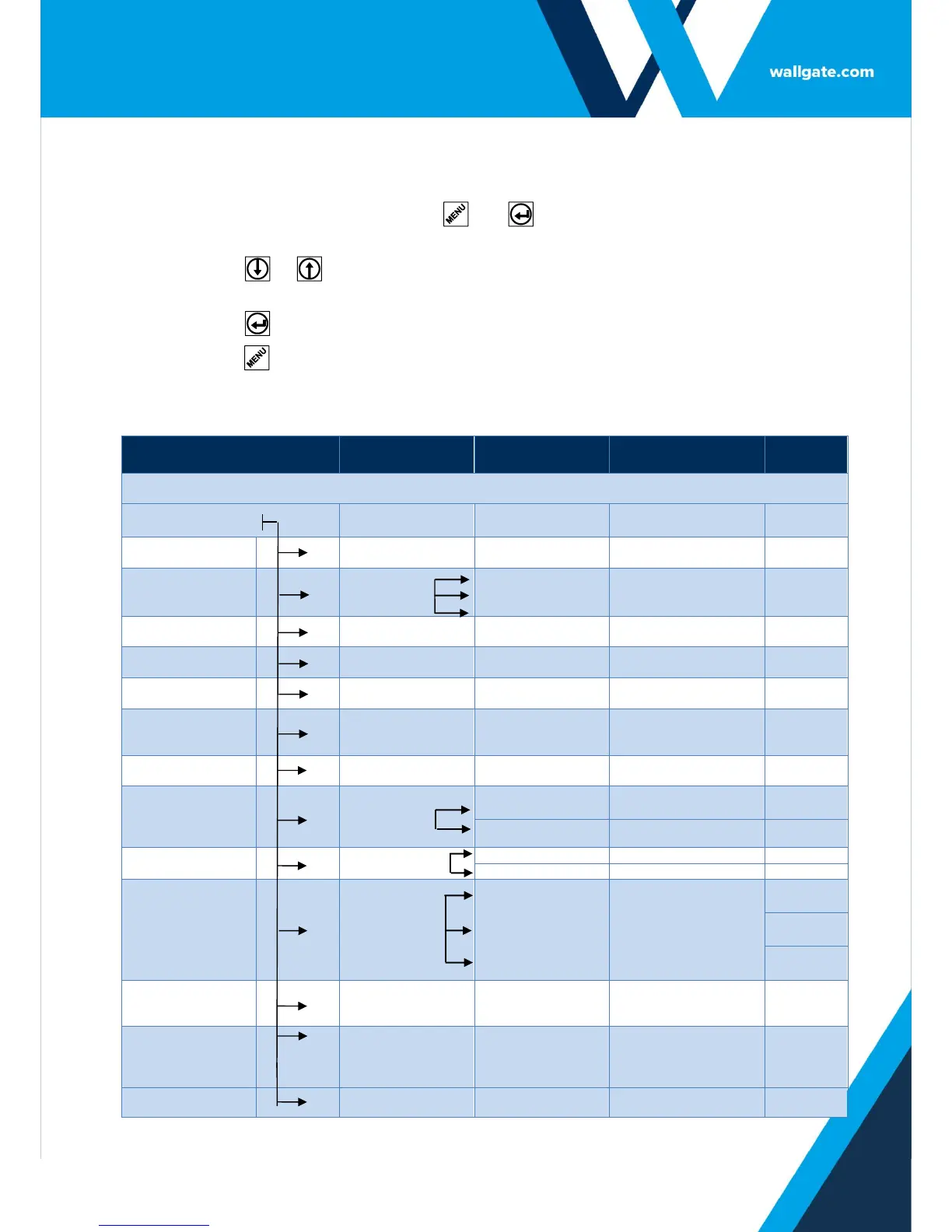
Table 5. WDC100 Menu Settings


 To Next Page