20
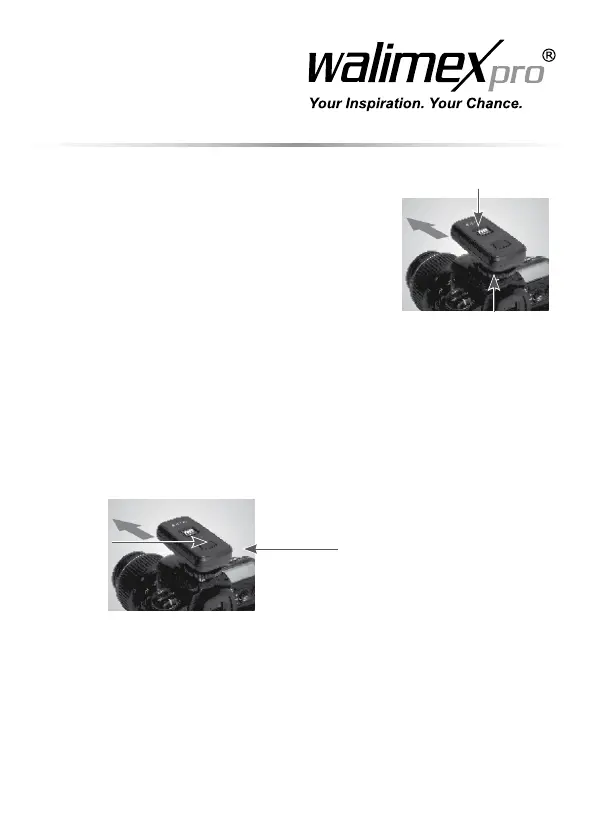
6.3 Connect the transmitter with the camera
1. Putthetransmitterwiththeshoeontheash
socket of your camera. Mount the transmitter
withthexingwheelontheshoe.
2. If your camera should not have a hot-shoe,
please use the included sync cord and connect
thetransmitterwithyourcameraorashshoe.
Transmitter with shoe
Test Button
Camera with
ashsocket
Connection Socket
Sync Cord
Transmitter/Camera
7. Operation of the device
Trigger test button
Before starting your work, please check the function of your devices and
triggeryourstudioashthroughthetestbuttononthetransmitter.


 To Next Page