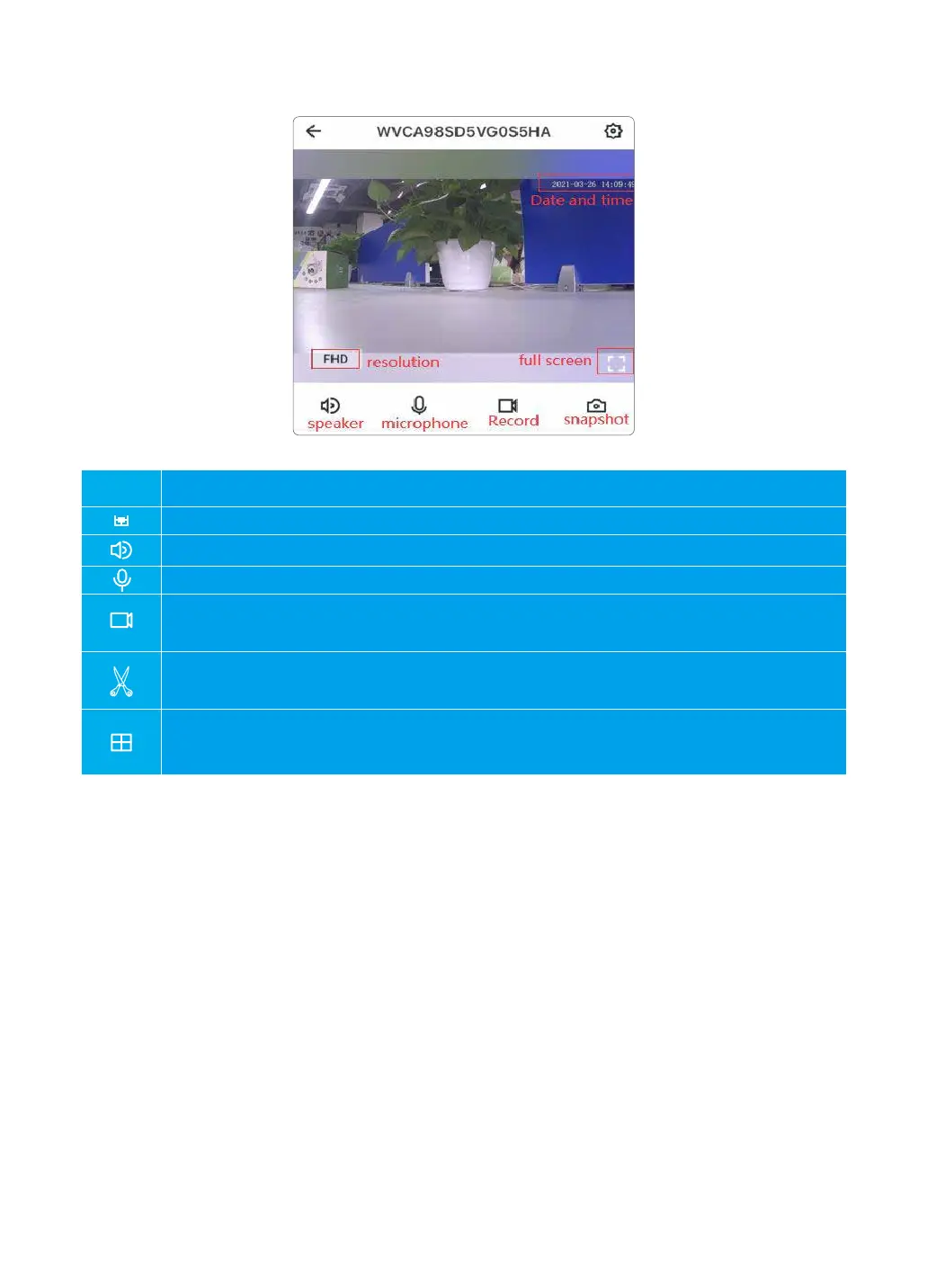
Chapter 4 Live Feed
Select to switch the resolution from FHD to HD
Tap to see full screen of live stream
Tap this icon to enable or disable audio
Hold to talk to the camera
Tap to record video manually, and can check the local records from
Me-Local Video
Click to to snap picture to phone storage, and can check the local picture
from 【Me】-【Local Photo】
User can set up Multiple view mode to view different cameras at the same time.
On multiple view mode, the video streams is applied to 480P resolution.
FHD
11



 To Next Page