03
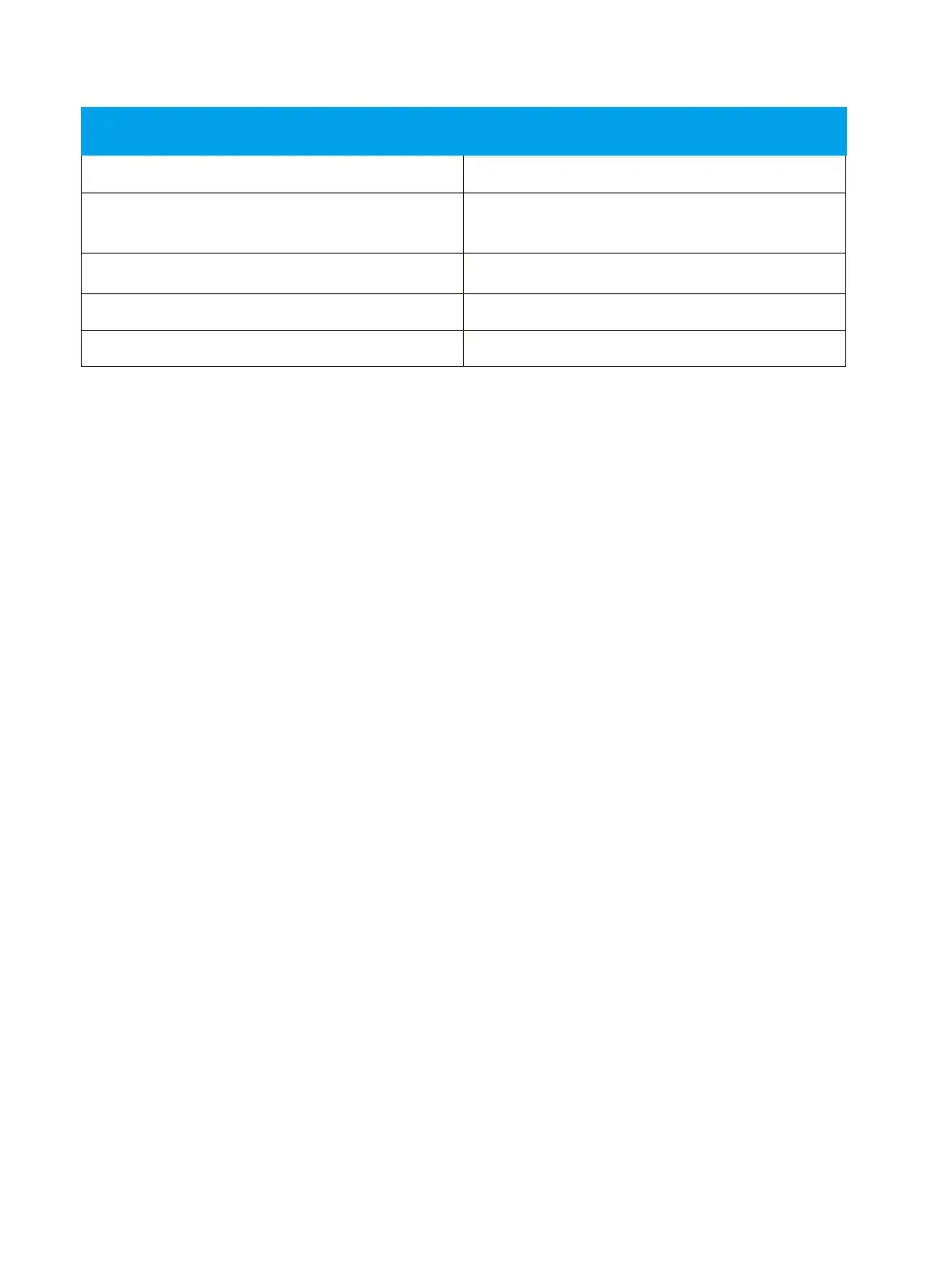
Indicator lights status
Camera is powered on
Waiting for connect now
Red and blue lights are
flashing alternately
Blue light is flashing
Red light is flashing quickly
Camera is connecting to Wi-Fi
Connect WIFI and Pair successfullyBlue light is solid
Reset camera to factory setting
Red light on
Camera StatusLight Status
Warm note:
Please make sure your router is connected to Internet.



 To Next Page