⑥ Check the indicator light status. If the connection is successful, the blue light will be solid.
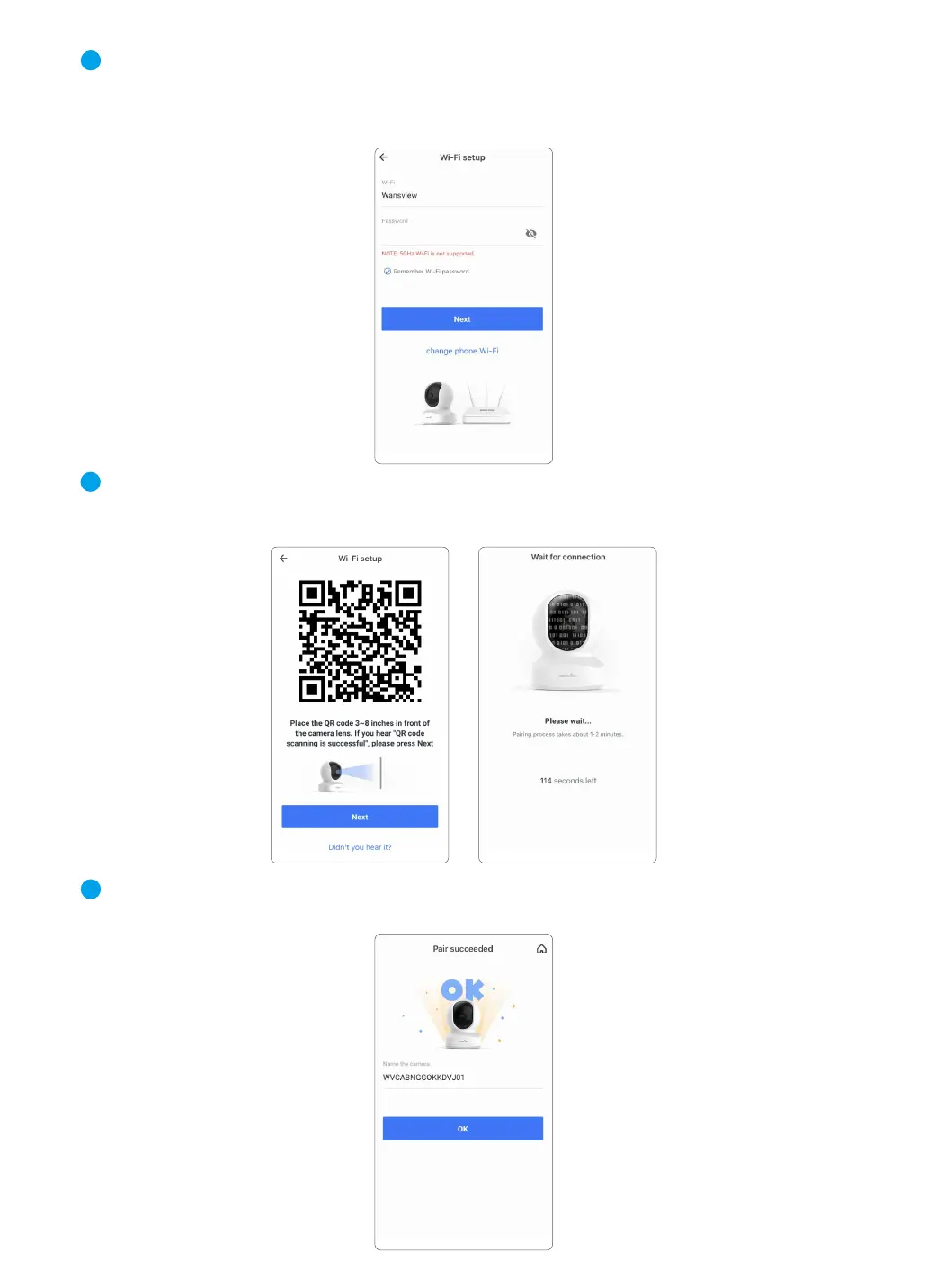
You can rename the camera, and start using the camera.
④ The Wi-Fi name will be displayed automatically, then enter the correct Wi-Fi password and
tap Next.
If Wi-Fi name is not displayed, for Android phone, please go to the Phone Setting--APP Man-
agement--Find Wansview Cloud APP--Permissions--Allow the app to get the location info.
⑤ Adjust your screen brightness to the medium,then place the camera lens about 3-8 inches in
front of the phone and make the camera scan the QR code on the phone screen.
When hearing”QR code scanning is successful”, tap Next.
4
5
6
07



 To Next Page