15
Kit for use with the 4iE
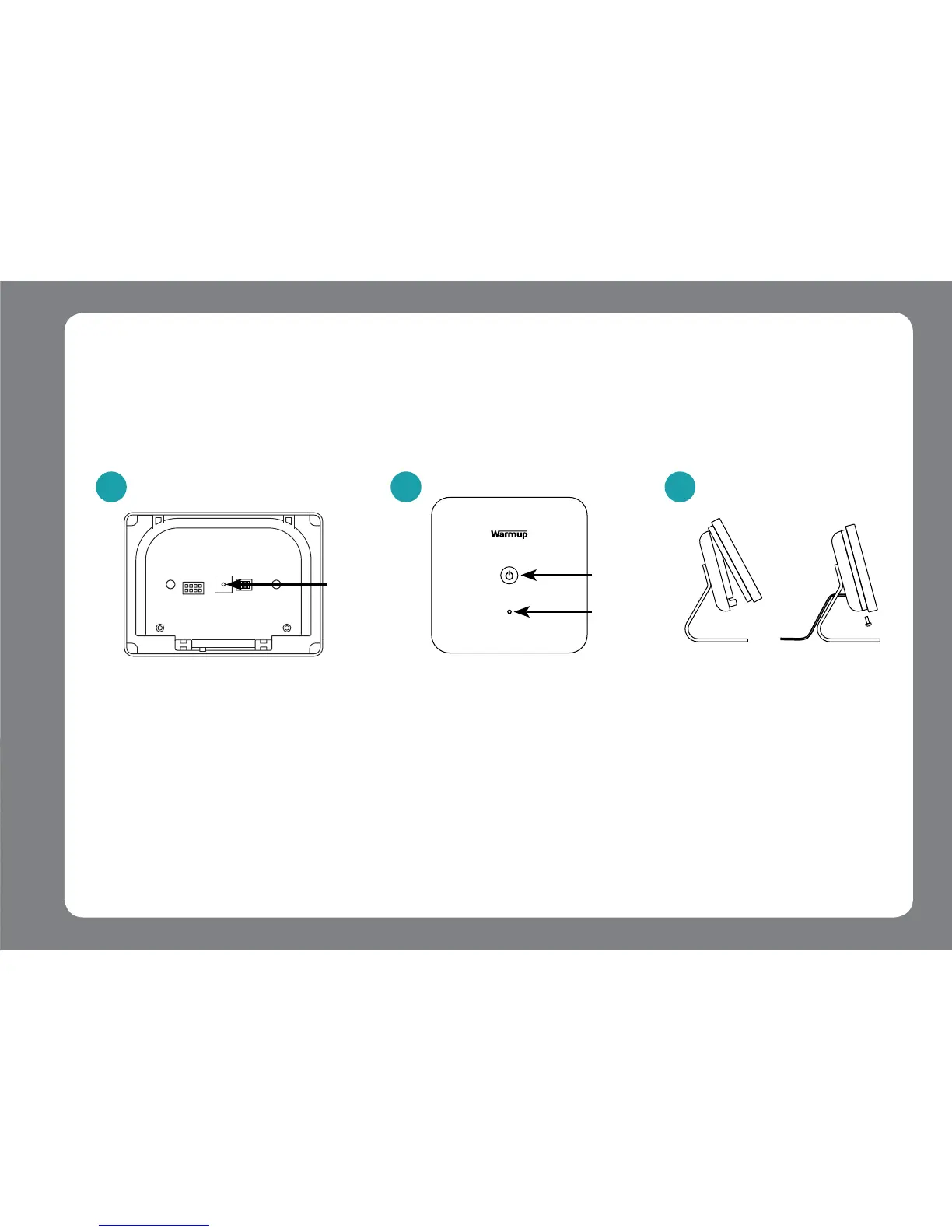
Step 4 - Pairing the 4iE & Boiler Receiver
+
The LED on the Boiler
Receiver will stop
ashing RED to indicate
a successful connection.
Using a device, such as a
paper clip, press the
pairing button, as shown
above, on the Power
Base to begin pairing.
2
Power
button
LED
Pairing Button
3
Attach the 4iE front
face to the Power
Base and tighten both
closing screws.
Before pairing, please make sure the Power Base and Boiler Receiver are powered. The LED on
the Boiler Receiver will ash in RED slowly.
NOTE: If the devices have been paired before, hold the Power button on the Boiler Receiver for 6 seconds
and then continue set up.
1 2 3



 To Next Page