EasyManua.ls Logo

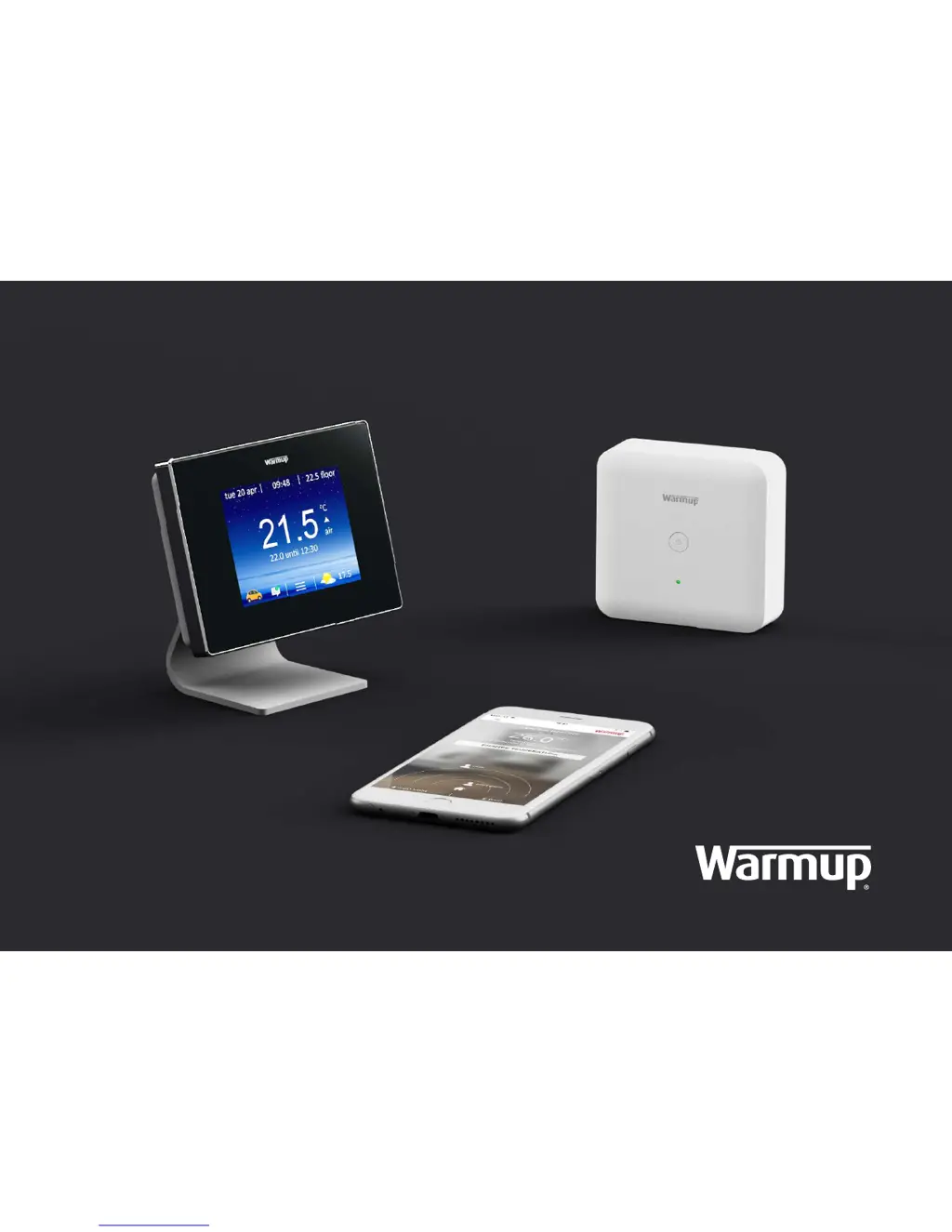
Warmup + Kit - User Manual

Warmup + Kit
24 pages
Print Icon
To Next Page IconTo Next Page
Loading...
Kit
Installation Guide
+

Questions and Answers

  • F
    Faith SmithJul 27, 2025
    What to do if my Warmup + Kit Thermostat 4iE displays 'er1 amb'?
    • A
      Andrea SchaeferJul 27, 2025
      If your Warmup Thermostat 4iE displays “er1 amb”, it means the system type is not correctly set. To resolve this, ensure that the system type is set to “Central Heating” during the initial setup. You can switch the Thermostat to air mode by navigating to settings, then heating preference, then control, and finally selecting air/floor.
  • S
    smithjosephAug 4, 2025
    How to re-pair Warmup + Kit system?
    • C
      Courtney GarciaAug 4, 2025
      If the wireless connection between your Warmup Thermostat and the Boiler Receiver is lost, the LED on the Boiler Receiver will flash RED. First, check if it reconnects automatically. If not, press and hold the power button on the Boiler Receiver for 6 seconds. Then, remove the 4iE from the Power Base and use a paper clip (or similar device) to press the pairing button.
  • J
    Joseph EvansAug 11, 2025
    What to do if Warmup Thermostat 4iE display is blank?
    • R
      ryan41Aug 11, 2025
      If the 4iE display of your Warmup Thermostat is blank, there are a couple of things to check: * First, ensure that the display/standby brightness is not set to the lowest level, which is “0”. * Second, verify that the unit is receiving power by checking that the Power Base is properly plugged in.
  • C
    Christian FritzAug 19, 2025
    Is Warmup + Kit +Kit compatible with my heating system?
    • P
      Pamela AlexanderAug 19, 2025
      The +Kit is compatible with Combi and System boilers with 230VAC, volt-free or low voltage input up to 3A.

Summary

Components

Download the MyHeating App

Registration

Process for creating a MyWarmup account after app download.

Install the Boiler Receiver

Important Installation Information

Safety precautions and requirement for a qualified electrician for installation.

Mounting the Boiler Receiver

Physical steps to install the Boiler Receiver backplate and unit.

Boiler Receiver Wiring Diagrams

Diagrams illustrating different wiring configurations for the Boiler Receiver.

Finalizing Boiler Receiver Installation

Reattaching the front panel and restoring power after wiring.

Assembly

Stand Mount Assembly

Instructions for assembling the thermostat on its stand.

Wall Mount Assembly

Instructions for mounting the thermostat to a wall.

Pairing the 4 iE and Boiler Receiver

Initial Pairing Process

Steps to pair the 4iE thermostat with the Boiler Receiver using the Power Base.

Connecting to Wi-Fi and Verifying Connection

Connecting the 4iE to Wi-Fi and confirming successful system setup.

LED Indications

Understanding LED Status

Explanation of LED colors and their meanings on the Boiler Receiver.

Control in Event of Communication Error

Maintaining Heating Control During Communication Loss

How the system provides heating control even when communication is interrupted.

Address Setting

Setting Unique Addresses for Multiple +Kits

Using dip switches on the Power Base to set unique addresses.

Address Configuration Table

Table mapping dip switch settings to unique addresses.

Troubleshooting

Compatibility and Re-pairing System

Checking system compatibility and re-pairing the wireless connection.

Display and Error Messages

Resolving issues with a blank display or 'er1 amb' error messages.

Technical Specifications

Contact Information

Product Warranty

Warmup + Kit Specifications

General IconGeneral
Maximum Load16A
Floor Sensor CompatibilityYes
Air Sensor CompatibilityYes
ConnectivityWi-Fi
ControlTouchscreen
Temperature Range5°C to 35°C
ProgrammableYes

Related product manuals