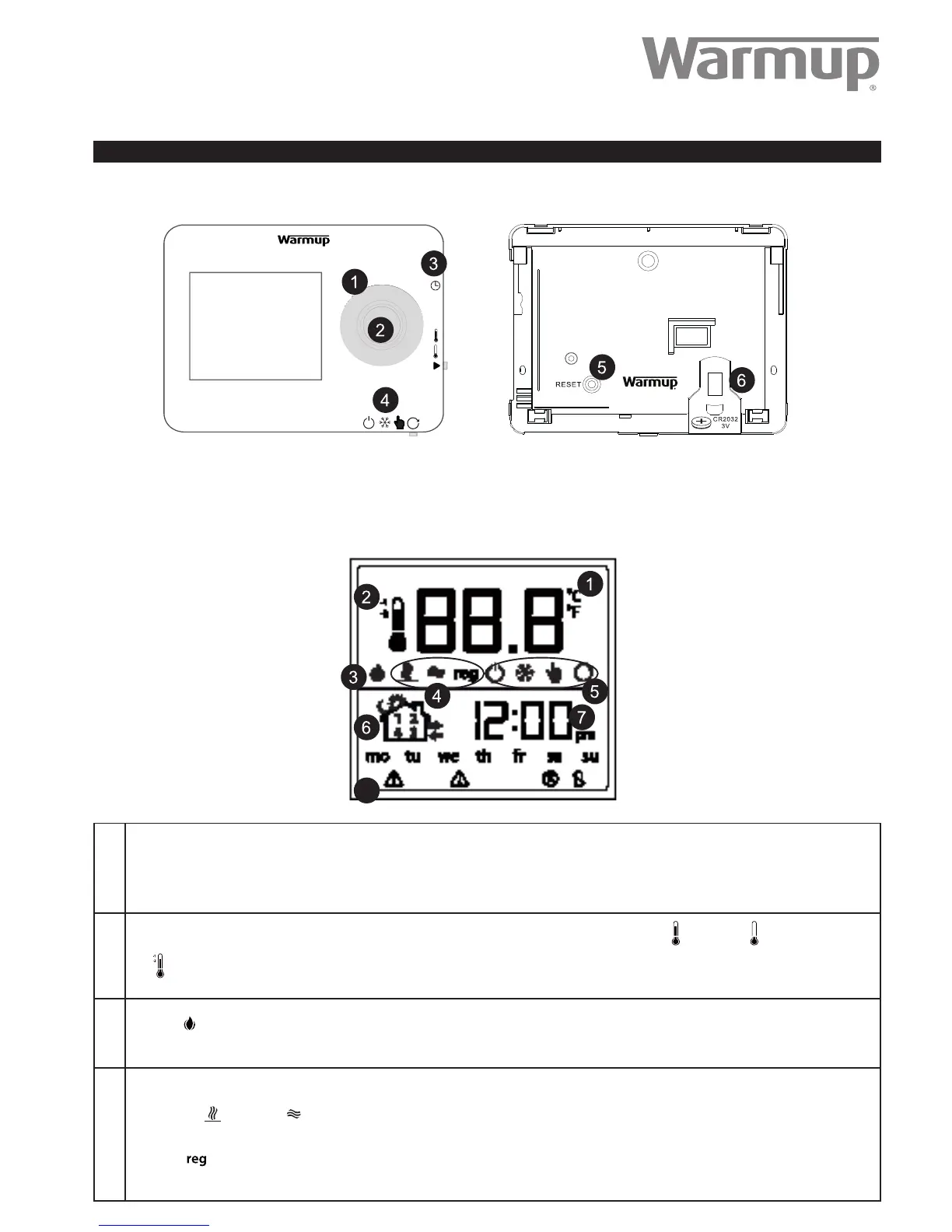
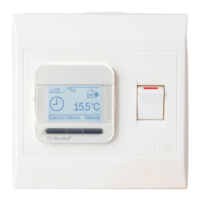
(1) Rotary Control (Turn clockwise to increase and anti clockwise to decrease.)
(2) Main Button
(3) Program Slide control (only used during programming)
(4) Mode Slide control
(5) Reset Button
(6) Replaceable CR2032 battery
Operating Guide:
for the Warmup Tempo Digital Programmable Thermostat
1.
Normally shows the current temperature in the room. This can be either the oor temperature or the air temperature. (See icon 4).
When you are setting a program or manual temperature this icon will Temporarily show the set temperature.
2.
During programmed operation this thermometer will show whether the thermostat is at “Comfort” or “Setback” temperature.
The icon will be displayed when “Comfort -1/ -2 is the target temperature. (Only used with the Fil Pilote)
3.
This icon is displayed when the heating is on.
4.
These icons show the type of temperature regulation being used.
Floor Sensor Air Sensor
Regulator (This mode should only be used in special situations, please contact Warmup for additional information).
1
2
3
4
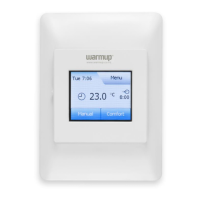
The Tempo has been designed with simplicity in mind and is highly intuitive in its programming. The sliders and simple rotary control make
the setting of the thermostat quick and easy.
8
Introduction
ELT-01-XX-01 - Operating guide V1.1 © Warmup plc - 2014


 To Next Page