1.4.6 Battery Status
The DR5 provides battery info for users to check the battery status, history
view and also set up users preferences.
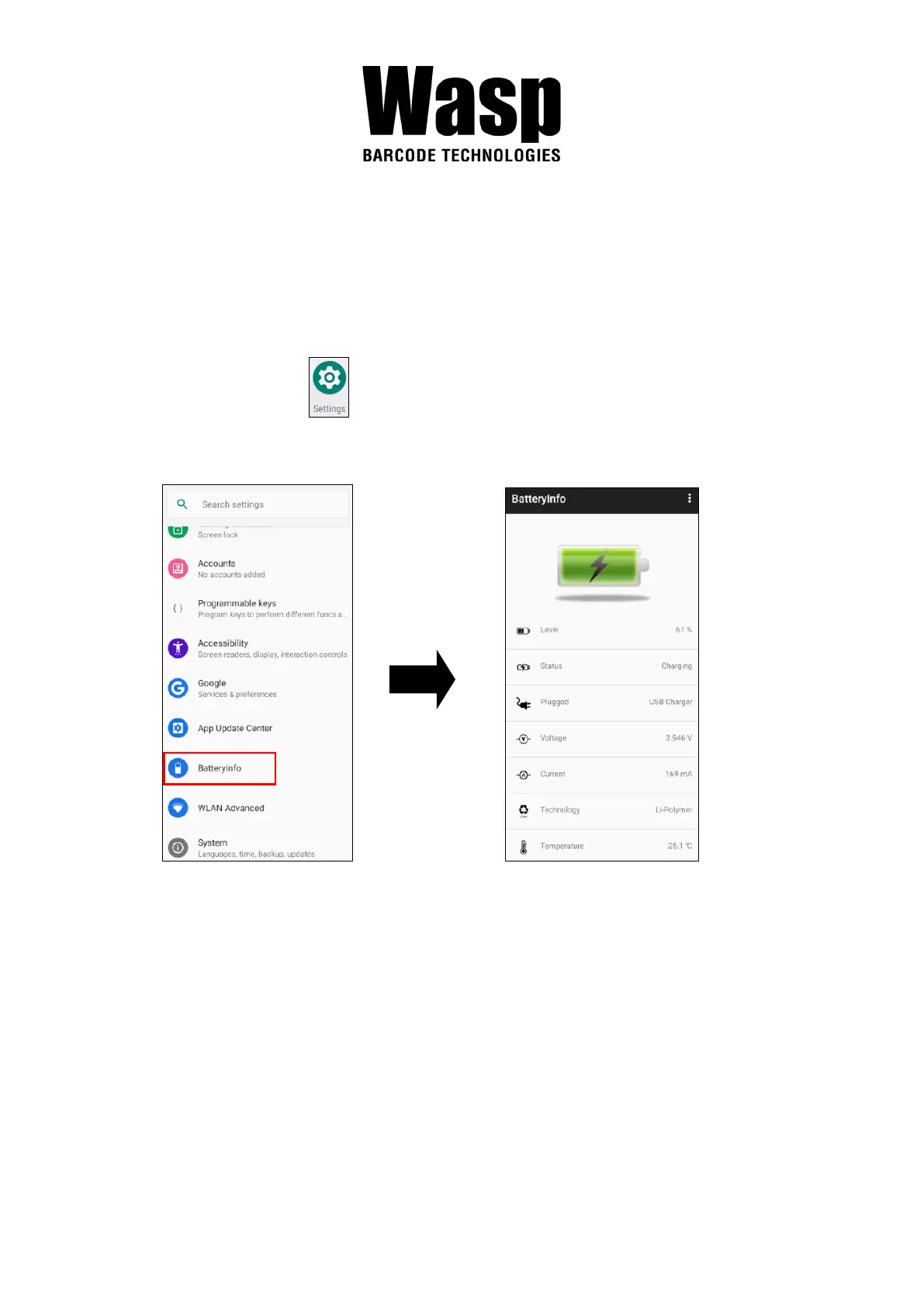
1. On the main screen, scroll the screen from down to top to reach the
APPS, and tap Settings and then tap BatteryInfo.
2. BatteryInfo shows the details of the battery use.



 To Next Page