3.4 StageGO
StageGO is a configuration staging solution for Wasp mobile devices.
StageGO helps IT admins to use the 1-click auto configure feature to set up
and initialize a device quickly. Devices configure themselves by using
configuration scripts and barcodes prepared by the IT admins, the StageGO
app, currently available for Android devices, uses Wasp devices’ barcode
scanning capabilities to load the script barcode into the device and start the
self-configuration process.
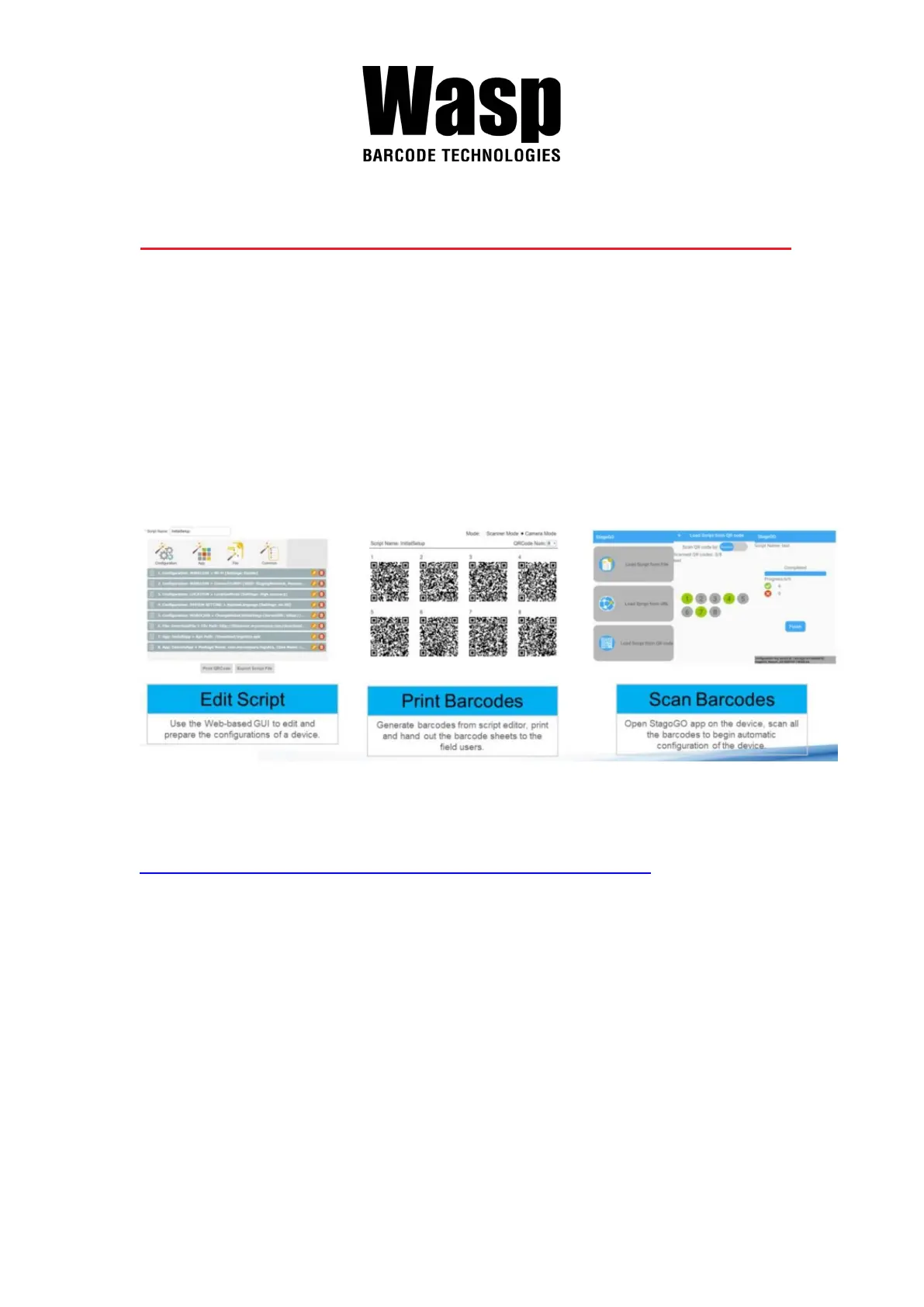
Using StageGO to configure a device is in 3 simple steps:
Step 1. Edit Script:
IT admins can prepare a configuration script by using StageGO’s web-based
script editor. The web-based script editor can be access by following this link:
http://www.ute.com/utestagego/services_StageGO.php?rbu=0
Step 2. Print Barcodes:
Upon completion of editing a script, IT admins may either download the script
file or to generate barcodes that represent the entire script. The script file or
the barcode printouts can then be handed over to the device users for
scanning.
Step 3. Scan Barcodes:
When device users receive the barcode printouts (or the script file) from the IT
admins, they can then run the StageGO app on their DR5, scan all the
barcodes on the printouts (or load the script file). When all barcodes are



 To Next Page