Chapter 3 – Introduction to
Applications
3.1 USS (Wasp scan service)
1. On the main screen, scroll the screen from down to top to reach the
APPS, and tap Settings and then tap USS ( Wasp scan service ).
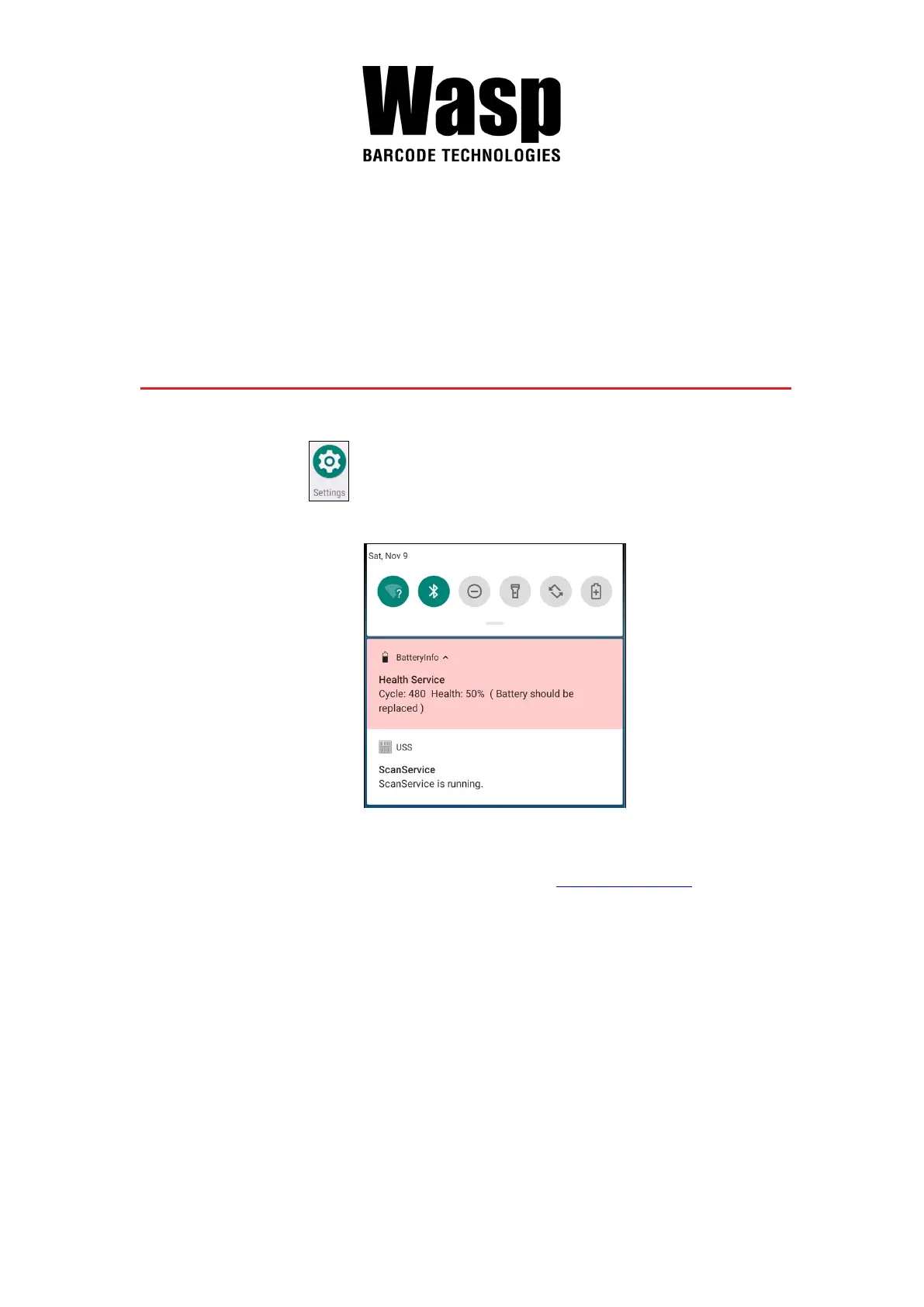
Or from the notification bar to tap USS ( Wasp scan service ).
2. You are now enter the Wasp scan service application.
Note : For more Scan Service settings, please refer to 2.1 Barcode Setting.



 To Next Page