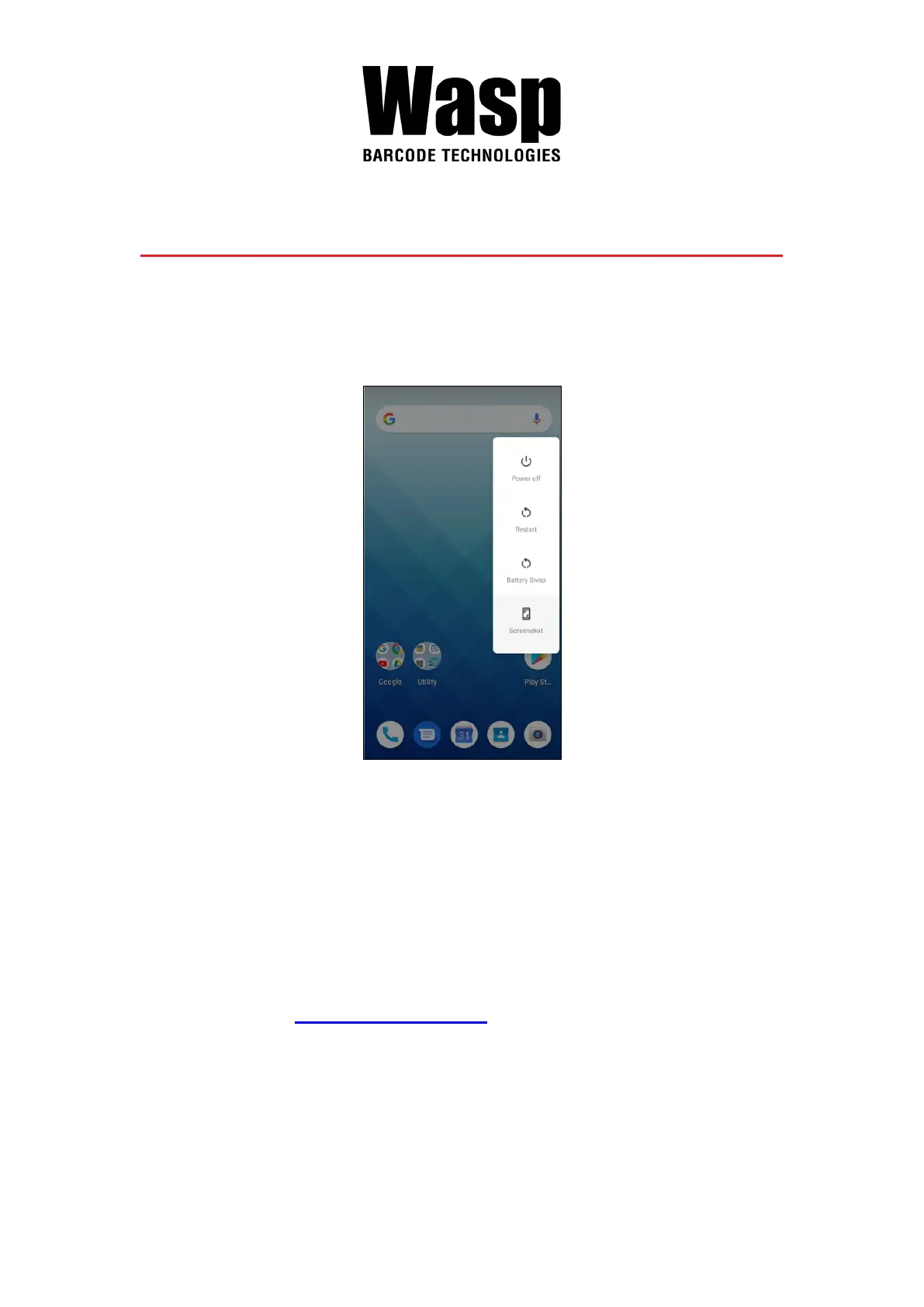
2.13 Battery Swap
Please follow the steps for the battery swap.
1. Long press power button until you see the pop up window and tap Battery
Swap.
2. The LED indicator will start showing red light. Please swap the battery
after the LED red light goes off. Please do not turn on DR5 during the
battery swap.
Note: When the battery level is extremely low (lower than 15 %), the termial LED will
start blinking red light constantly before and after the battery swap signal (the
solid LED red light).
3. When the battery swap is done, you can press the power button to wake
DR5 again.
Note :Please see 1.4.1 Installing the Battery for more information.
Caution:
■
Do not press the power key during the battery swap, it will turn off the
DR5.
■
If not finish the battery swap within 3 minutes, it will turn off the DR5.



 To Next Page