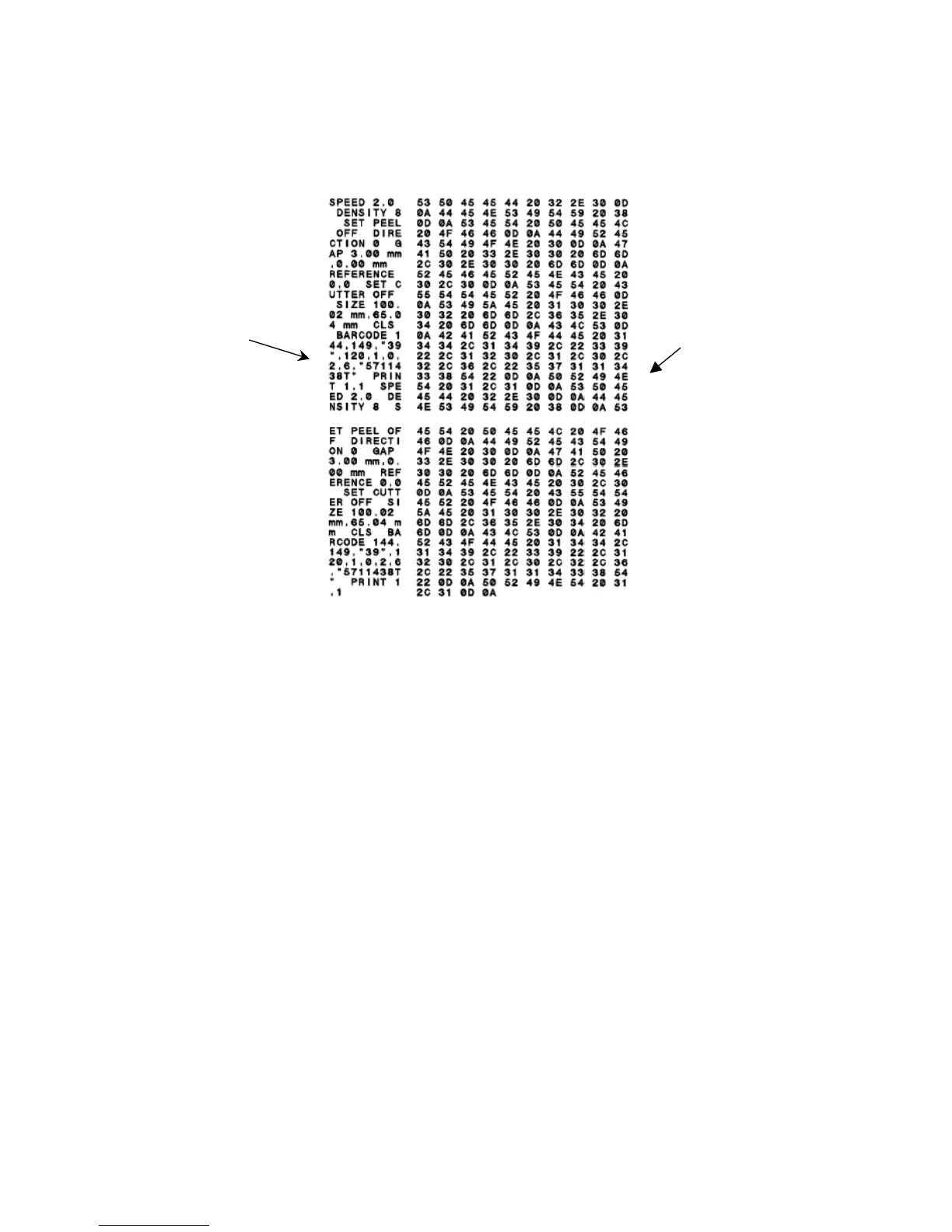
The printer will enter dump mode after printing the printer configuration. In
dump mode, all characters will be printed in 2 columns as in the figure below.
Hex decimal data
related to left
column of ASCII
data
ASCII Data
Figure 11: Dump mode printout
The left side characters are received from your system and the right side data
are the corresponding hexadecimal values of the characters. Dump mode
allows users to verify and debug the program. Turn the printer off and back on
to resume normal printing.
11



 To Next Page