EasyManua.ls Logo

Wasp WLS9600 - User Manual

Wasp WLS9600
306 pages
Print Icon
To Next Page IconTo Next Page
Loading...
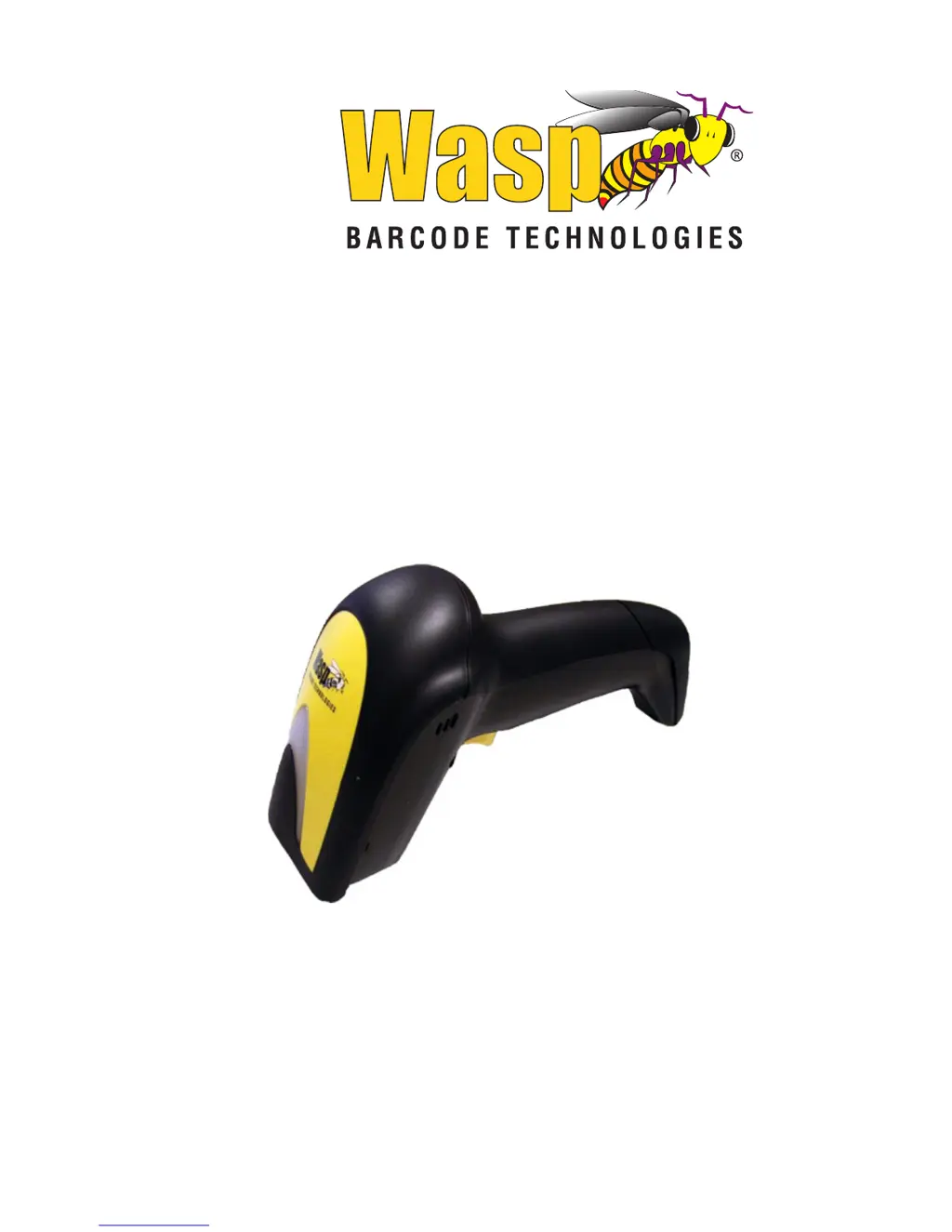
WLS9600
1D Laser Scanner USB
Product Reference Guide

Table of Contents

Other manuals for Wasp WLS9600

Questions and Answers

  • M
    Malik JohnsonAug 2, 2025
    Why is my Wasp Barcode Reader laser on but not decoding?
    • T
      Tiffany FarmerAug 2, 2025
      If your Wasp Barcode Reader's laser is on but not decoding barcodes, it might be due to a few reasons. First, the reader might not be programmed to read the specific type of barcode you're scanning; refer to the Product Reference Guide for programming instructions. The barcode label could also be unreadable, so check for any damage or try scanning a different barcode. Finally, the distance between the reader and the barcode might be incorrect; try moving the reader closer or further away from the barcode.
  • C
    Crystal MartinAug 11, 2025
    What to do if the Wasp WLS9600 decodes but doesn't transmit?
    • J
      jesusmonroeAug 11, 2025
      If your Wasp Barcode Reader decodes a barcode but doesn't transmit it to the host, the reader might not be programmed for the correct host type. You should scan the appropriate host type barcode. Refer to the Product Reference Guide (PRG) for more information.
  • C
    Christy DoyleAug 20, 2025
    Why nothing happens when I pull the scan button on my Wasp WLS9600?
    • G
      George MercerAug 21, 2025
      If nothing happens when you pull the scan button on your Wasp Barcode Reader, it could be due to a couple of reasons. First, there might be no power to the reader. Check the system power and ensure the power supply is properly connected. Alternatively, the interface or power cables might be loose. Make sure all cable connections are secure.

Summary

Introduction and Basic Setup

Manual Overview and Conventions

Covers manual structure, conventions, and reader overview.

Reader Setup and Interface Configuration

Guides through unpacking, connection, and interface type selection.

Reader Configuration and Customization

Programming Reader Settings with Barcodes

Instructions for customizing reader functions via programming barcodes.

Interface-Specific Configuration Options

Detailed settings for RS-232, Keyboard, USB, and Wand interfaces.

Barcode Symbology Configuration

Options to enable, disable, and configure various barcode types.

Data Formatting and Reading Behavior

Data Formatting Options

Global Prefix/Suffix, Label ID, and character conversion settings.

Reading Parameters and Scan Modes

Settings for read timeouts, indicators, and scan operating modes.

Technical Specifications and Support

Scanner Technical Specifications

Details physical, electrical, and performance characteristics.

Error Codes and Troubleshooting Guide

Lists error codes and provides corrective actions for reader issues.

Standard Defaults and Appendices

Default settings, sample barcodes, keypad, and scancode tables.

Wasp WLS9600 Specifications

General IconGeneral
Product colorBlack, Yellow
Housing material-
TypeHandheld bar code reader
Wavelength680 nm
Sensor typeLaser
Scanner type1D
Read rate (max)100 reads/s
2D (matrix & stacked) barcodes supportedGS1 DataBar Expanded Stacked, GS1 DataBar Stacked Omnidirectional
Power source typeUSB
Cable length1.8 m
Connectivity technologyWired
Storage temperature (T-T)-20 - 70 °C
Operating temperature (T-T)0 - 55 °C
Operating relative humidity (H-H)5 - 90 %
Weight and Dimensions IconWeight and Dimensions
Depth181 mm
Width71 mm
Height100 mm
Weight169 g

Related product manuals