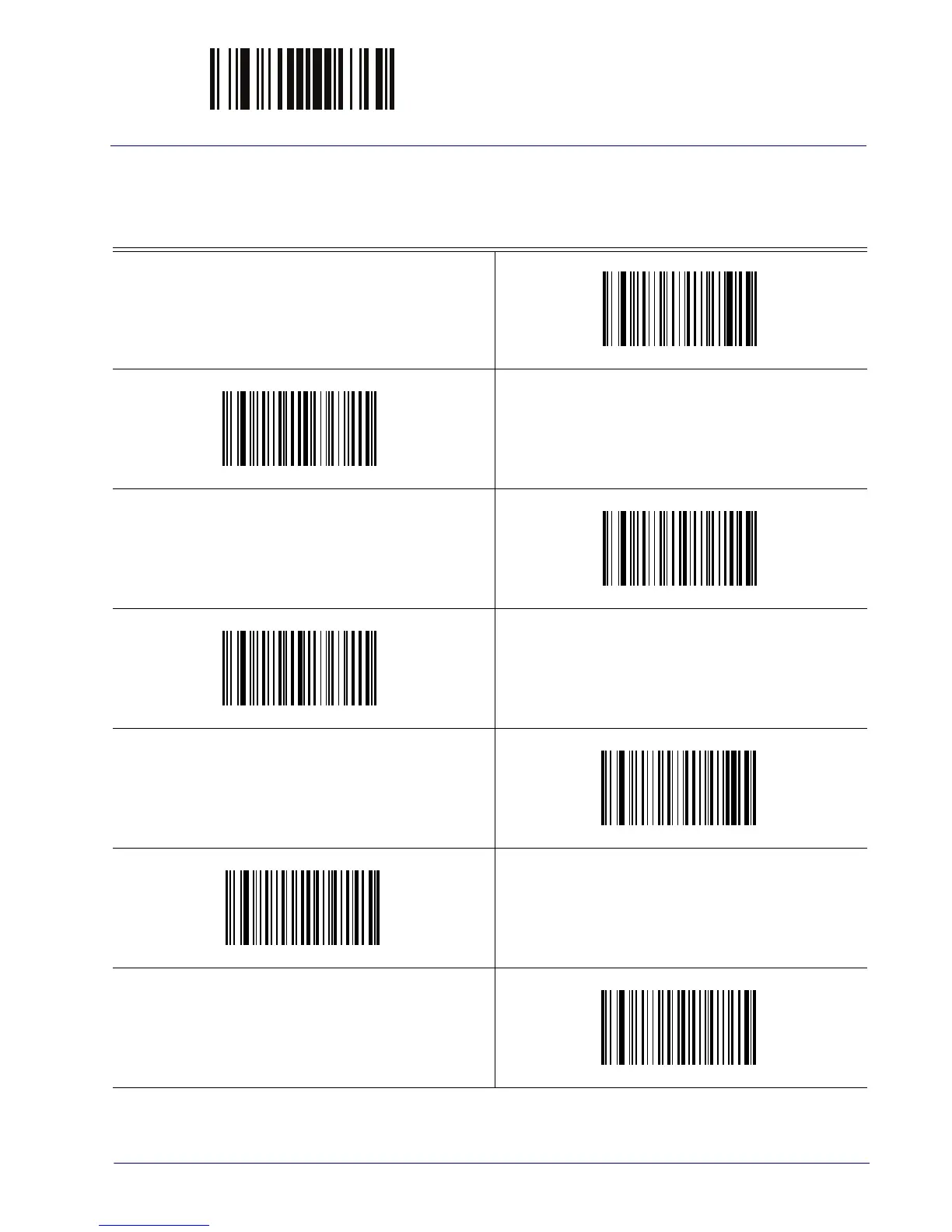
ENTER/EXIT PROGRAMMING MODE Label ID Symbology Selection
Product Reference Guide 57
Label ID Symbology Selection
This option selects the symbology for which a Label ID is to be configured. See "Label ID" on
page 55 or page 249 in “References” for more
Set UPC-A Label ID Character(s)
Set UPC-A/P2 Label ID Character(s)
Set UPC-A/P5 Label ID Character(s)
Set UPC-A/GS1-128 Label ID Character(s)
Set UPC-E Label ID Character(s)
Set UPC-E/P2 Label ID Character(s)
Set UPC-E/P5 Label ID Character(s)
detailed instructions.



 To Next Page