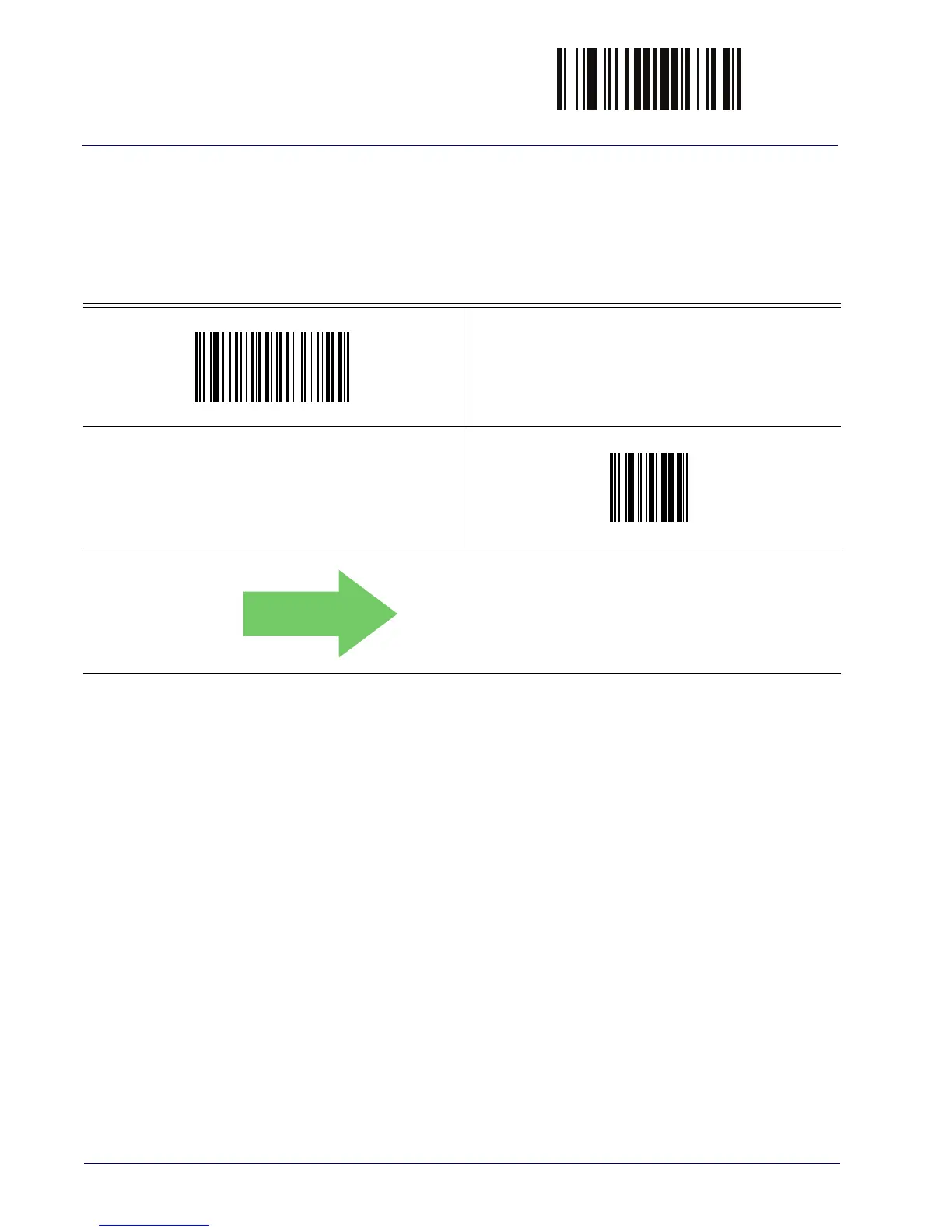
ENTER/EXIT PROGRAMMING MODE
42
WLS9600
Intercode Delay
Specifies the delay between labels transmitted to the host for this interface. The selectable range
for this feature is from 0 to 99 seconds.
See page 241 in “References” for detailed information and examples for setting this feature.
Set Intercode Delay
Make a mistake? Scan the CANCEL barcode to abort and not
sav
e the entry string. You can then start again at the begin-
ning.
CANCEL
00 = No Wedge Intercode Delay



 To Next Page