UPC/EAN Global Settings ENTER/EXIT PROGRAMMING MODE
94
WLS9600
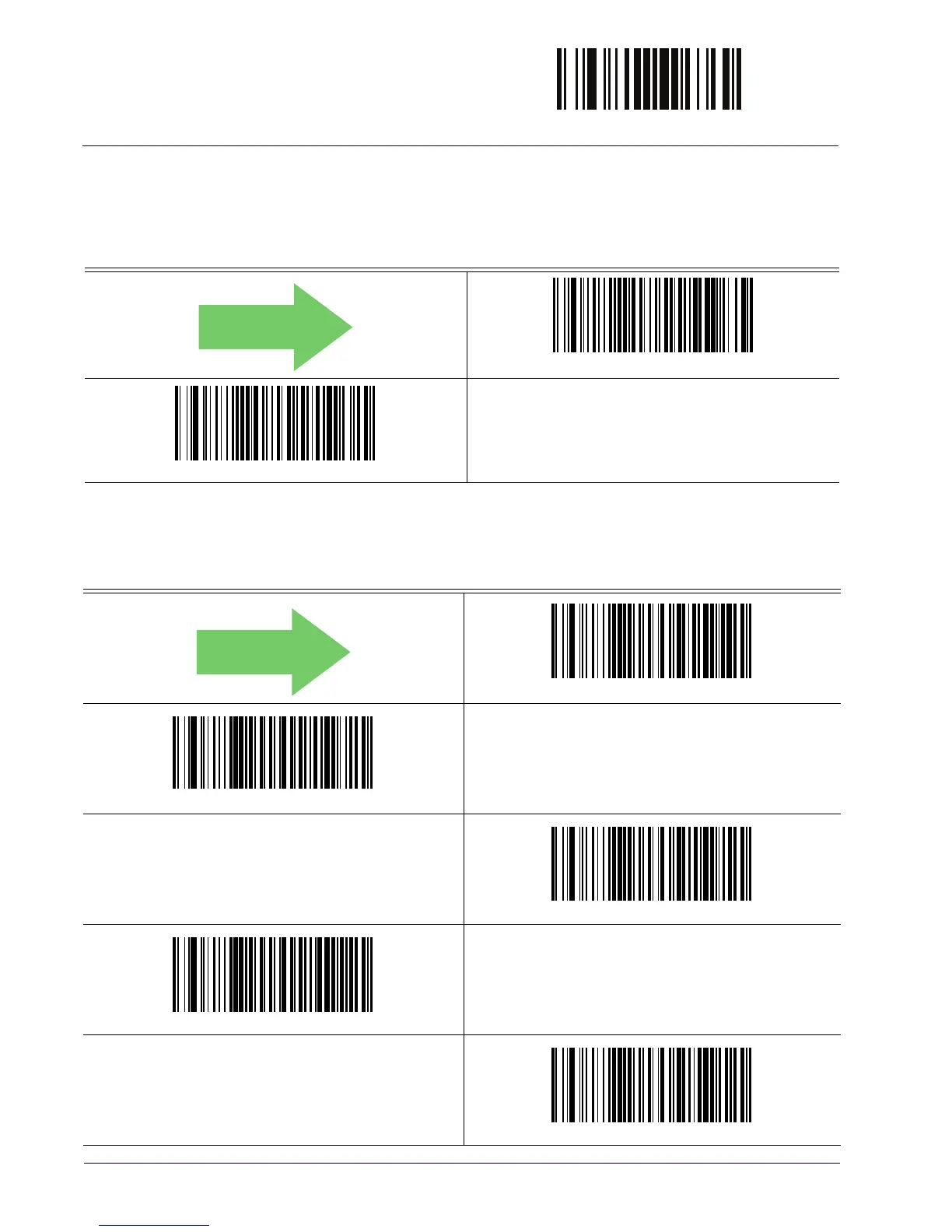
UPC/EAN Correlation
When correlation is enabled, the reader will combine label data from multiple scans when
decoding. This will help the scanner read labels that have spots, voids and/or damaged areas.
Enabling correlation will also increase the chances that a label will be read incorrectly.
DEFAULT
UPC/EAN Correlation = Disable
UPC/EAN Correlation = Enable
UPC/EAN Price Weight Check
This feature enables/disables calculation and verification of price/weight check digits.
Price Weight Check = Disabled
Price Weight Check = 4-digit price-weight check
Price Weight Check = 5-digit price-weight check
Price Weight Check = European 4-digit price-weight check
Price Weight Check = European 5-digit price-weight check



 To Next Page