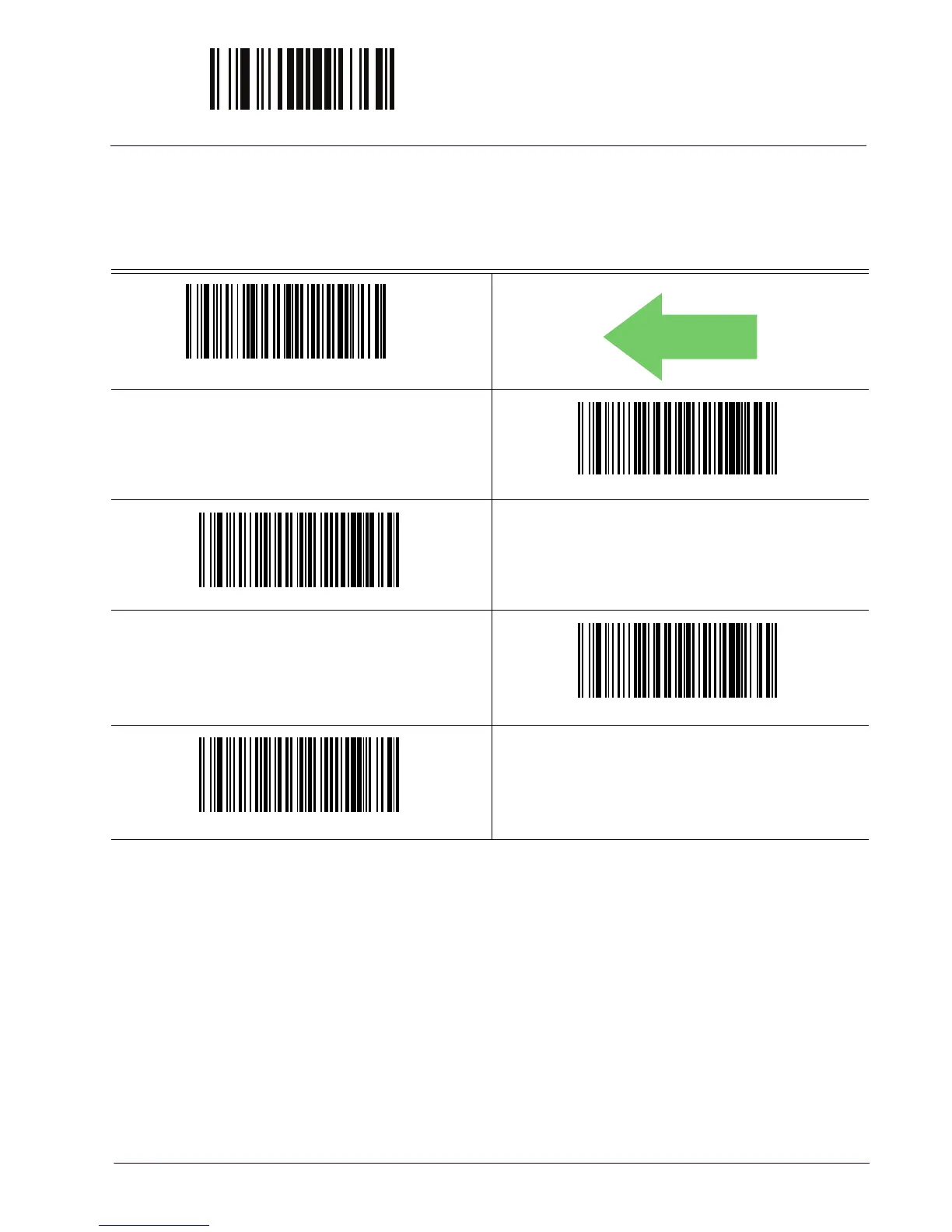
ENTER/EXIT PROGRAMMING MODE Scan Mode
Product Reference Guide 73
SCANNING FEATURES
Scan Mode
Selects the reader’s scan operating mode. See page 254 in “References” for descriptions.
Scan Mode = Trigger Single
DEFAULT
Scan Mode = Trigger Hold Multiple
Scan Mode = Trigger Pulse Multiple
Scan Mode = Flashing
a
a. Recommended scan mode for hands-free stand mode operation.
Scan Mode = Always On
b
b. See
"Laser Features" starting on page 227
for additional laser programmable timeout options.



 To Next Page