Standard 2 of 5 ENTER/EXIT PROGRAMMING MODE
148
WLS9600
STANDARD 2 OF 5
The following options apply to the Standard 2 of 5 symbology.
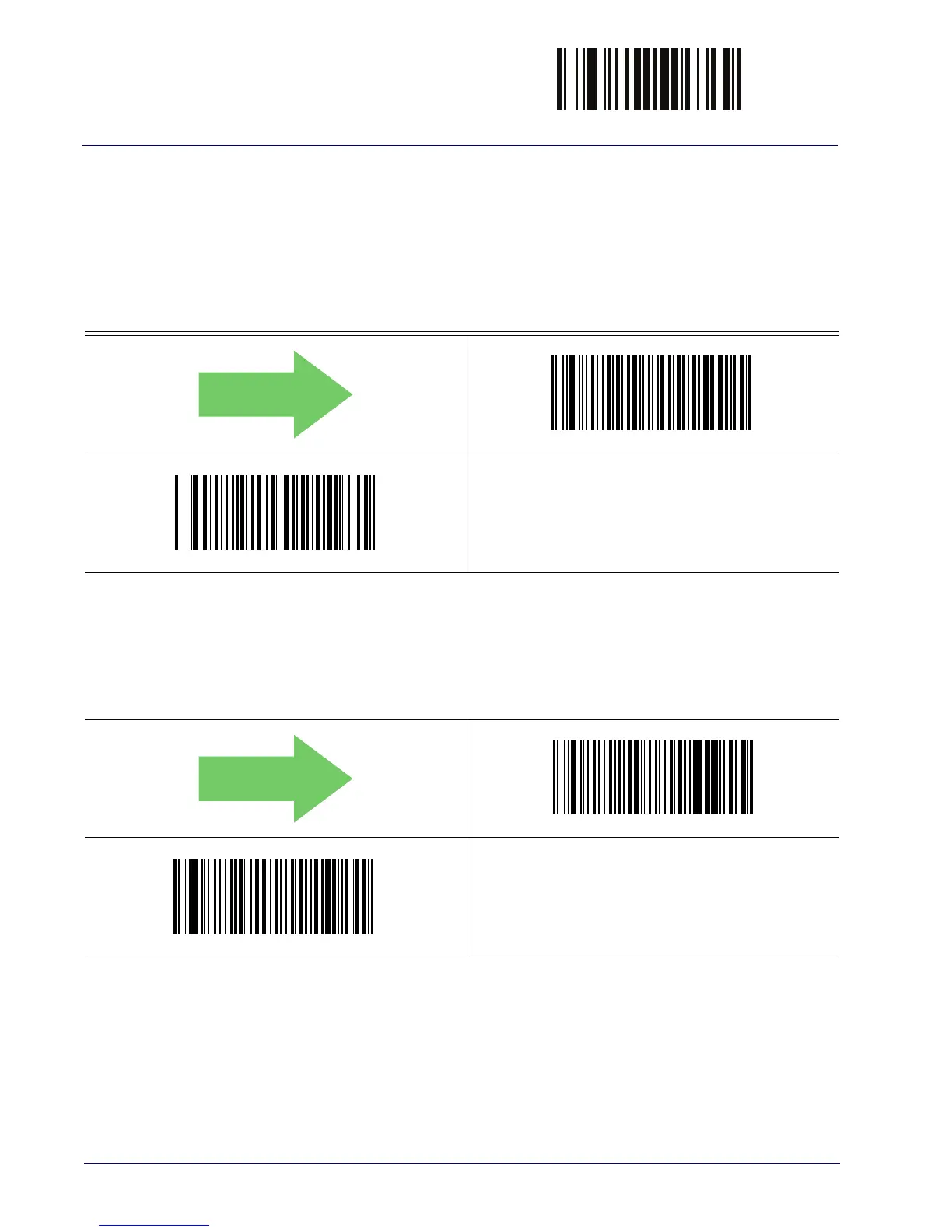
Standard 2 of 5 Enable/Disable
When disabled, the reader will not read Standard 2 of 5 barcodes.
DEFAULT
Standard 2 of 5 = Disable
Standard 2 of 5 = Enable
Standard 2 of 5 Check Character Calculation
This option enables/disables calculation and verification of an optional Standard 2 of 5 check
character.
DEFAULT
Standard 2 of 5 Check Character Calculation = Disable
Standard 2 of 5 Check Character Calculation = Enable



 To Next Page