LED and Beeper Indicators ENTER/EXIT PROGRAMMING MODE
68
WLS9600
LED AND BEEPER INDICATORS
Power On Alert
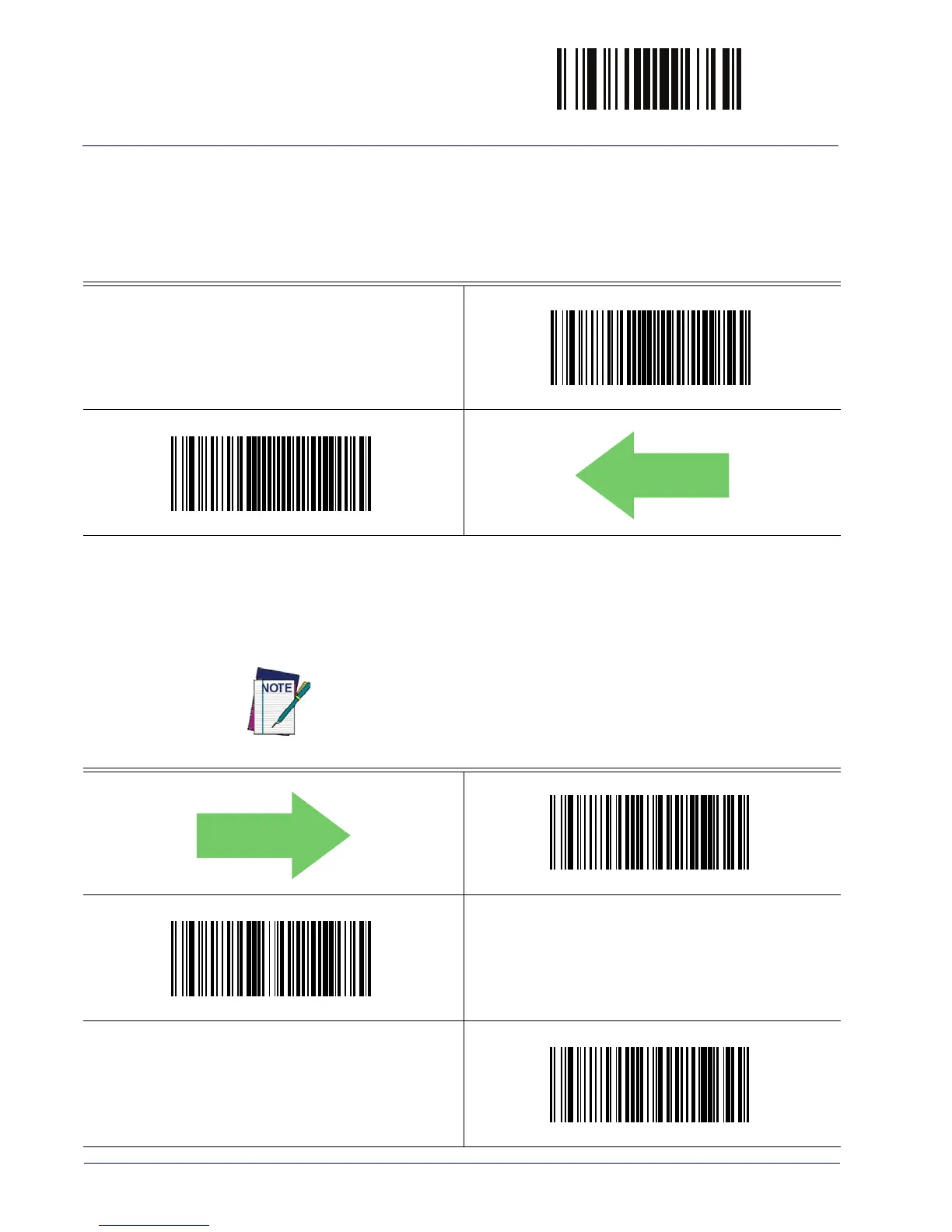
Disables or enables the indication (from the Beeper) that the reader is receiving power.
Power On Alert = Disable (No Audible Indication)
Power On Alert = Four Beeps
DEFAULT
Good Read: When to Indicate
This feature specifies when the reader will provide indication (beep and/or flash its green LED)
upon successfully reading a barcode. .
Indicate Good Read = After Decode
Indicate Good Read = After Transmit
Indicate Good Read = After CTS Goes Inactive, Then Active
This option, which uses CTS, is only valid for RS-232 interfaces.



 To Next Page