ENTER/EXIT PROGRAMMING MODE Follett 2 of 5 Enable/Disable
Product Reference Guide 147
FOLLETT 2 OF 5
The following options apply to the Follett 2 of 5 symbology.
Follett 2 of 5 Enable/Disable
Enables/Disables ability of imager to decode Follett 2 of 5 labels.
DEFAULT
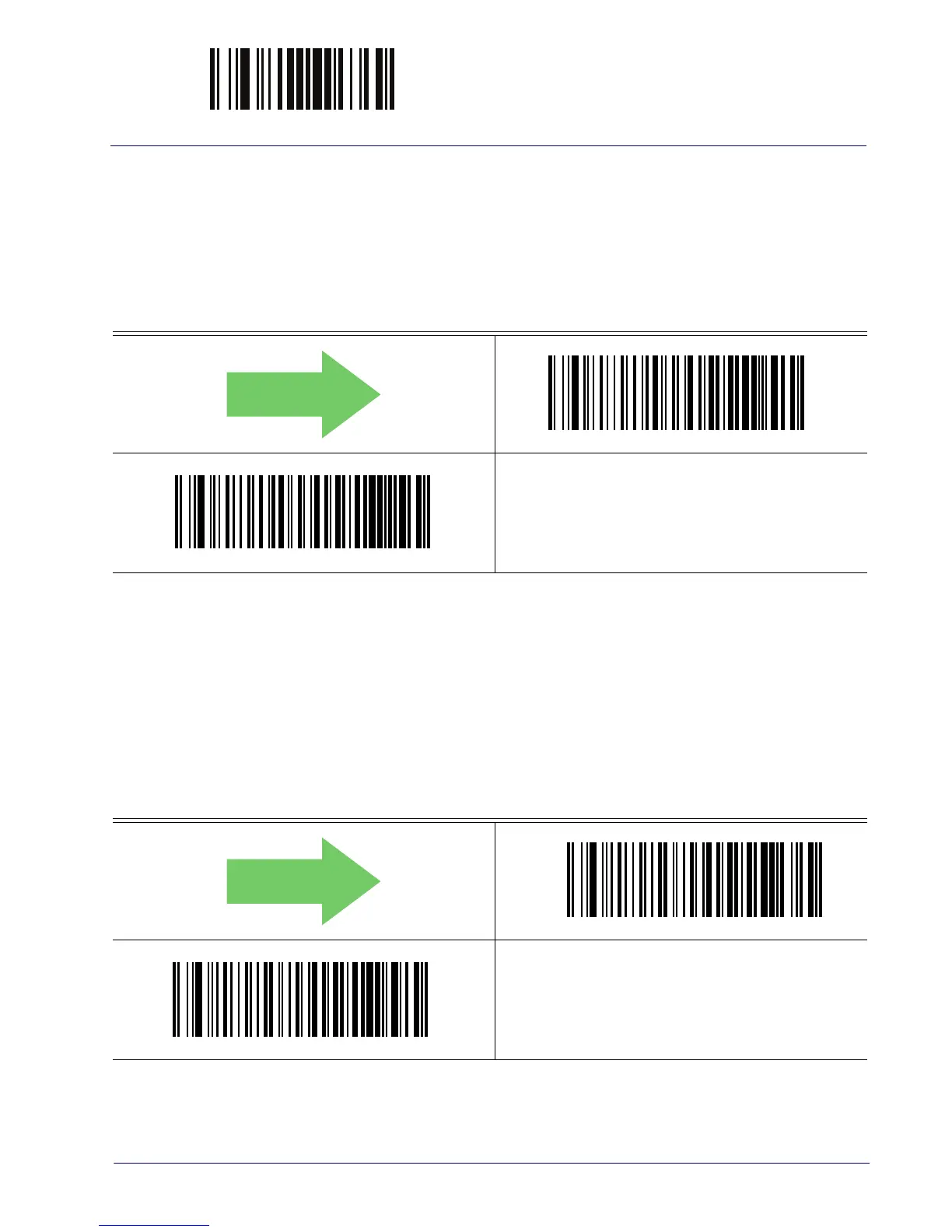
Follett 2 of 5 = Disable
Follett 2 of 5 = Enable
INTERLEAVED 2 OF 5 CIP HR
The following options apply to the Interleaved 2 of 5 CIP HR symbology.
Interleaved 2 of 5 CIP HR Enable/Disable
Enables/Disables ability of reader to decode Interleaved 2 of 5 CIP HR labels.
DEFAULT
Interleaved 2 of 5 CIP HR = Disable
Interleaved 2 of 5 CIP HR = Enable



 To Next Page