ENTER/EXIT PROGRAMMING MODE Intercharacter Delay
Product Reference Guide 25
Intercharacter Delay
This parameter specifies the intercharacter delay between the end of one character and the
beginning of the next. The delay can be set within a range of zero (0) to 990 milliseconds in
10ms increments. A setting of zero specifies no delay.
See page 232 for more information.
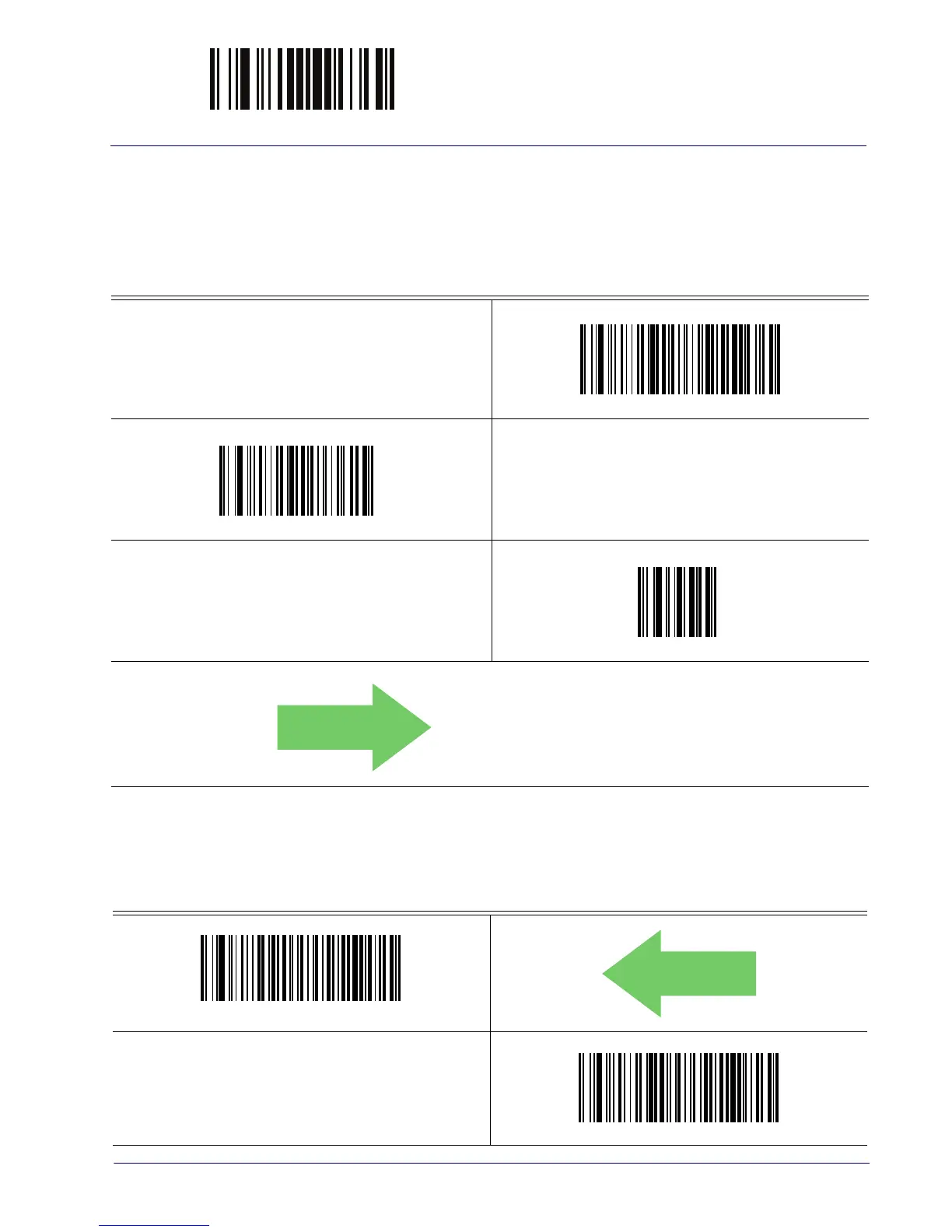
Intercharacter Delay = No Delay
Select Intercharacter Delay Setting
Make a mistake? Scan the CANCEL barcode to abort and not
sav
e the entry string. You can then start again at the
beginning.
CANCEL
DEFAULT
00 = No Intercharacter Delay
Beep On ASCII BEL
When this parameter is enabled, the reader issues a beep when a <BEL> character is detected on
the RS-232 serial line. <BEL> is issued to gain a user's attention to an illegal entry or other
important event.
Beep On ASCII BEL = Disable
DEFAULT
Beep On ASCII BEL = Enable



 To Next Page