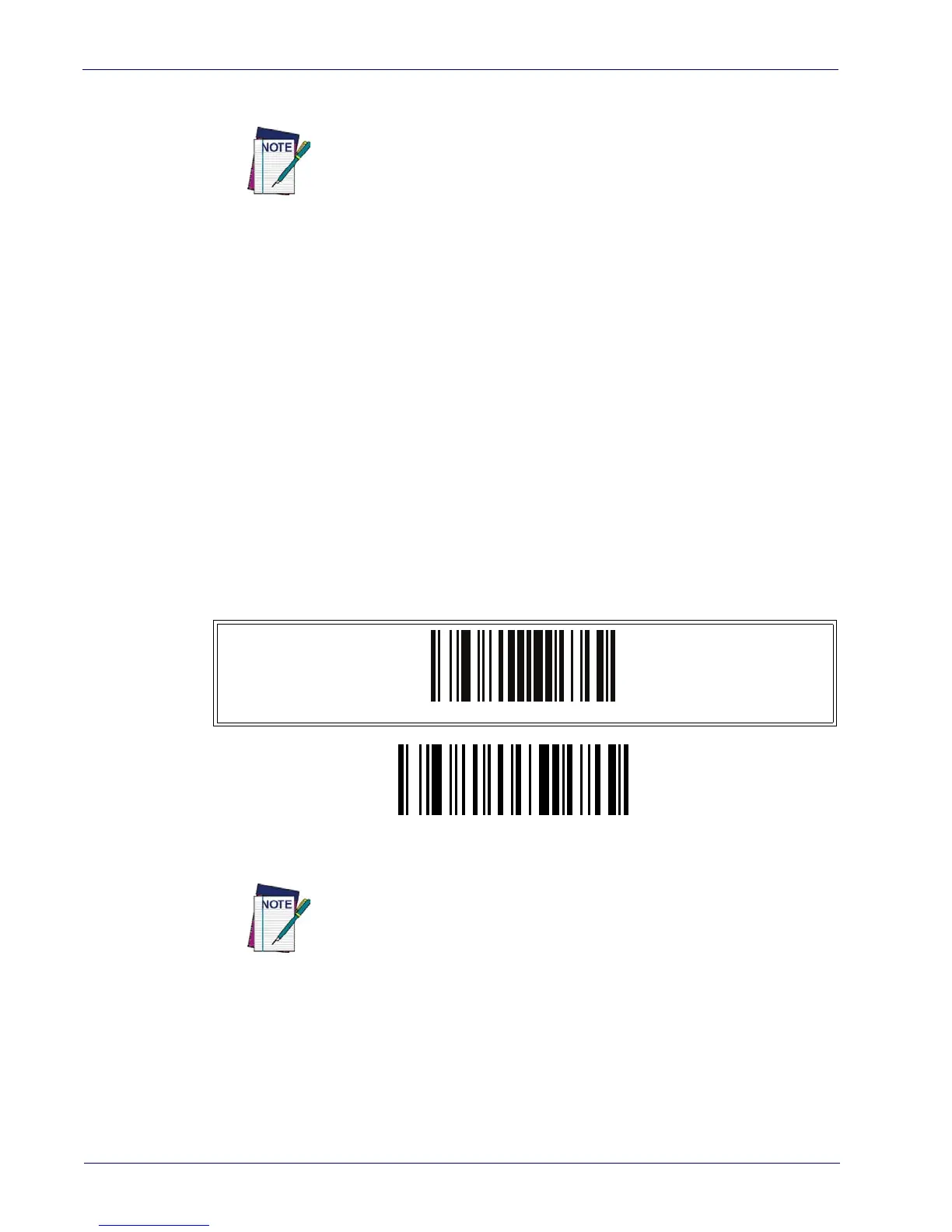
Disable All Symbologies
78
WLS9600
3. If additional input parameters are needed, go to Appendix D, Keypad, and scan the appro-
priate characters from the keypad.
Additional information about many features can be found in the “Refer-
ences” chapter.
If you make a mistake before the last character, scan the CANCEL barcode to
abor
t and not sa
ve the entry string. You can then start again at the begin-
ning.
4. Complete the programming sequence by scanning the ENTER/EXIT PROGRAM-
MING barcode to exit Programming Mode.
DISABLE ALL SYMBOLOGIES
Use this feature to disable all symbologies.
1. Scan the ENTER/EXIT PROGRAMMING barcode below.
2. Scan the Disable All Symbologies barcode.
3. Complete the programming sequence b
y
scanning the ENTER/EXIT PROGRAM-
MING barcode.
ENTER/EXIT PROGRAMMING MODE
Disable All Symbologies
This does not disable the reading of programming labels.



 To Next Page