ENTER/EXIT PROGRAMMING MODE
30
WLS9600
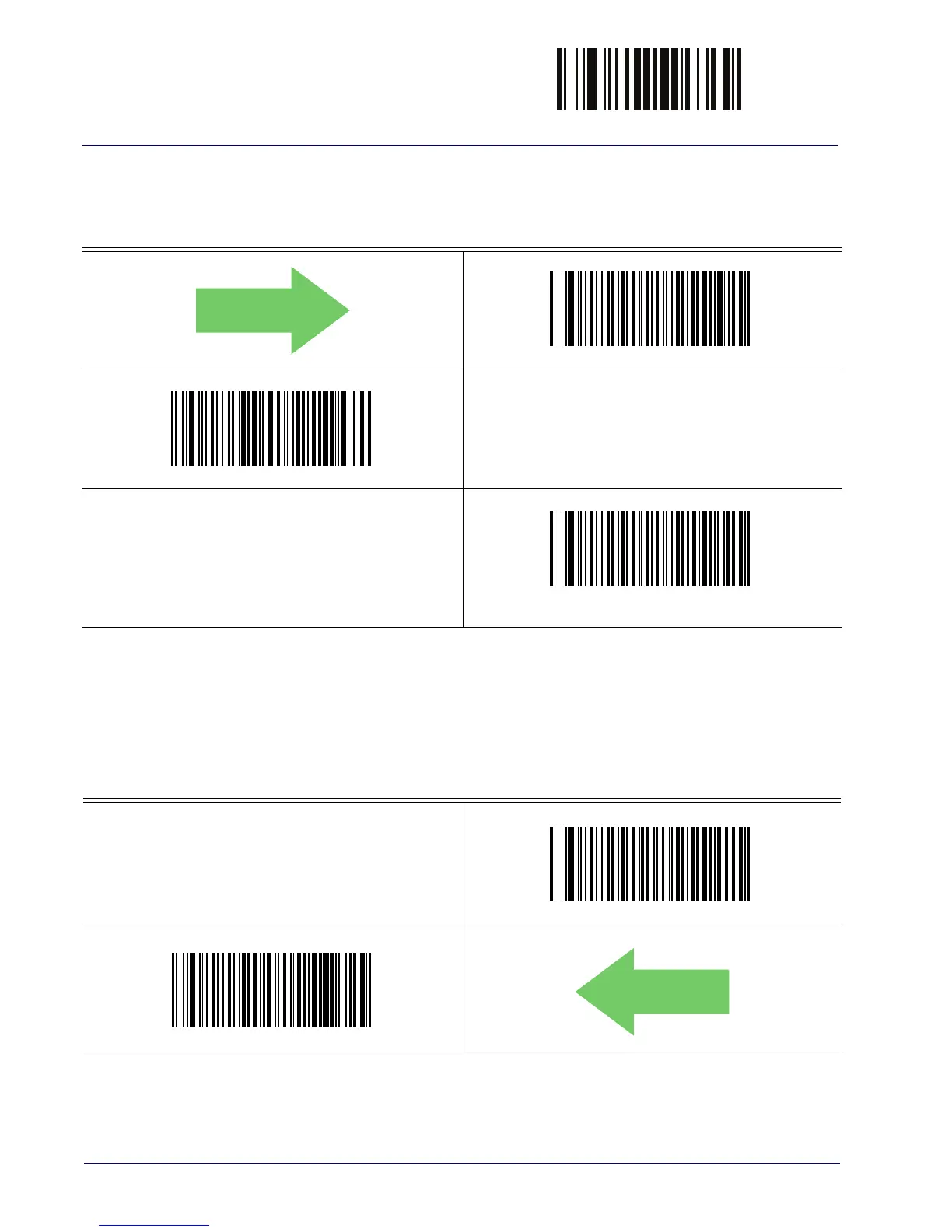
ACK NAK Error Handling
This feature specifies the method the reader uses to handle receive errors detected while waiting
for an ACK character from the host.
DEFAULT
ACK NAK Error Handling = Ignore Errors Detected
ACK NAK Error Handling = Process Error as Valid ACK Character
ACK NAK Error Handling = Process Error as
Valid NAK Character
Indicate Transmission Failure
This option enables/disables the reader’s ability to sound an error beep to indicate a
transmission failure while in ACK/NAK mode
Indicate Transmission Failure = Disable Indication
Indicate Transmission Failure = Enable Indication
DEFAULT
.



 To Next Page