ENTER/EXIT PROGRAMMING MODE Caps Lock State
Product Reference Guide 37
Country Mode (continued)
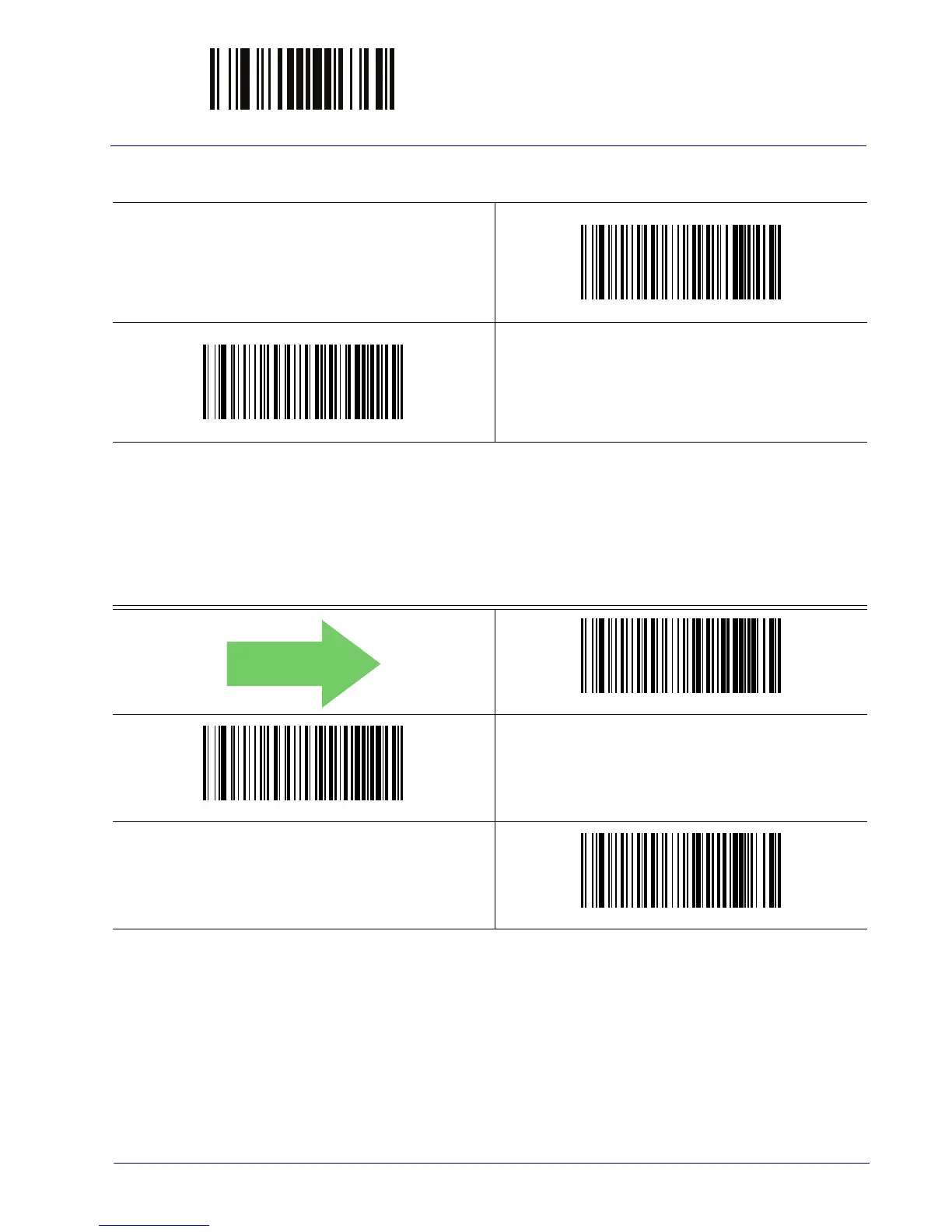
Country Mode = Sweden
Country Mode = Switzerland
Supports only the interfaces listed in the Co
untry Mode fea-
ture description.
Caps Lock State
This option specifies the format in which the reader sends character data. This applies to
keyboard wedge interfaces and Bluetooth HID Profile. This does not apply when an alternate
key encoding keyboard is selected.
DEFAULT
Caps Lock State = Caps Lock OFF
Caps Lock State = Caps Lock ON
Caps Lock State = AUTO Caps Lock Enable



 To Next Page