ENTER/EXIT PROGRAMMING MODE GS1 DataBar™ Limited Enable/Disable
Product Reference Guide 197
GS1 DATABAR™ LIMITED
The following options apply to the GS1 DataBar™ Limited (formerly RSS Limited)
symbology.
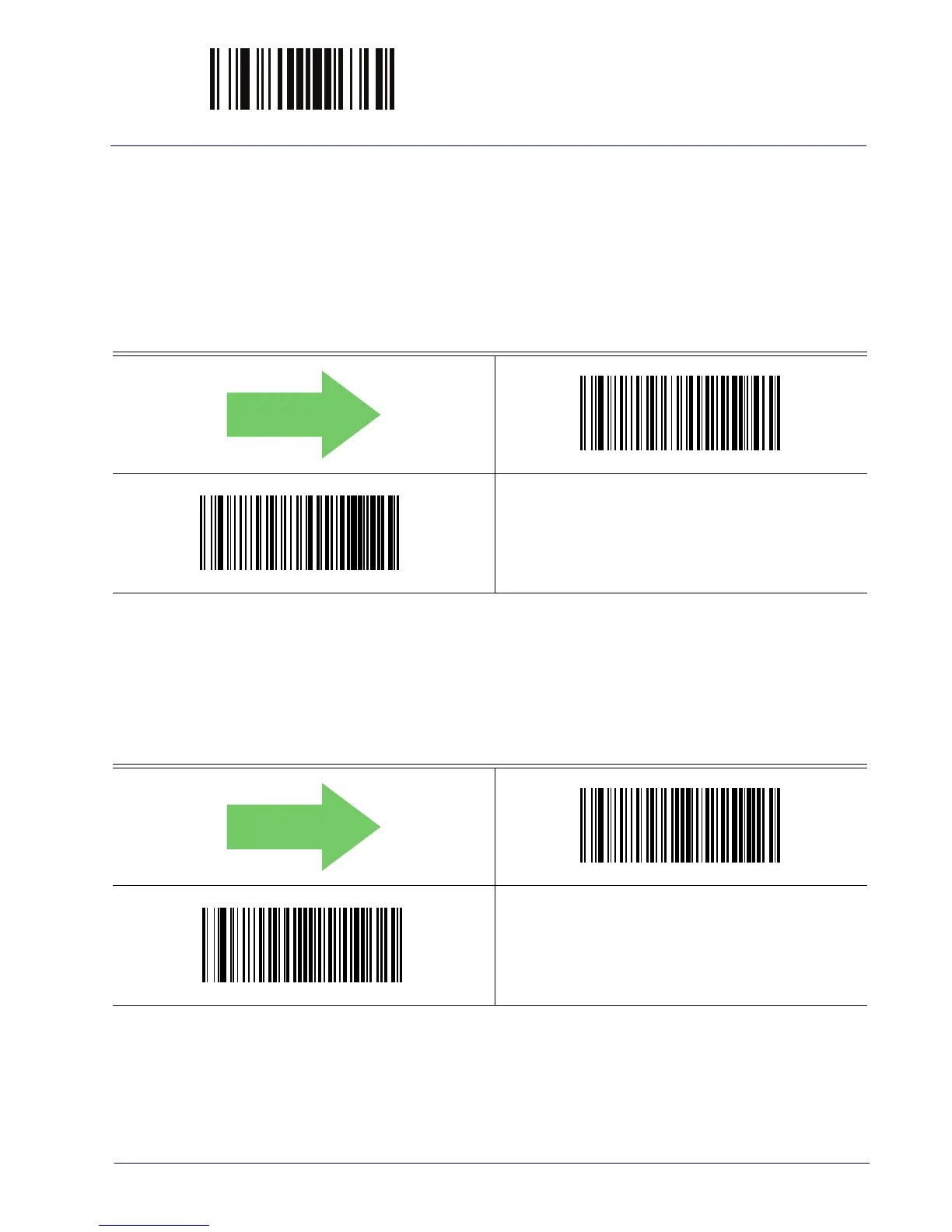
GS1 DataBar™ Limited Enable/Disable
When disabled, the reader will not read GS1 DataBar™ Limited barcodes.
DEFAULT
GS1 DataBar™ Limited = Disable
GS1 DataBar™ Limited = Enable
GS1 DataBar™ Limited GS1-128 Emulation
When enabled, GS1 DataBar™ Limited barcodes will be translated to the GS1-128 label data
format.
DEFAULT
GS1 DataBar™ Limited GS1-128 Emulation = Disable
GS1 DataBar™ Limited GS1-128 Emulation = Enable



 To Next Page