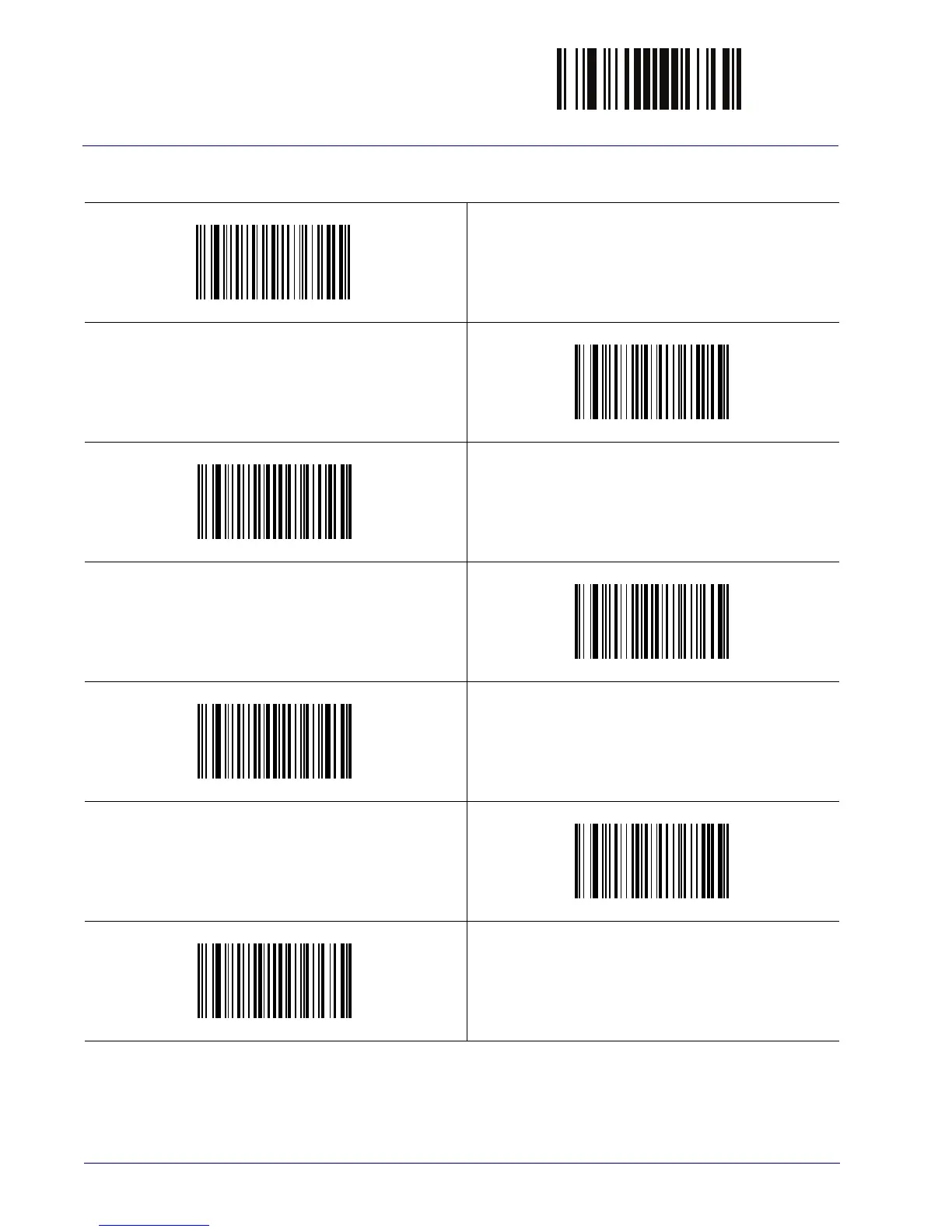
ENTER/EXIT PROGRAMMING MODE
58
WLS9600
Label ID Symbology Selection (continued)
Set UPC-E/GS1-128 Label ID Character(s)
Set EAN 13 Label ID Character(s)
Set EAN 13/P2 Label ID Character(s)
Set EAN 13/P5 Label ID Character(s)
Set EAN 13/GS1-128 Label ID Character(s)
Set EAN 8 Label ID Character(s)
Set EAN 8/P2 Label ID Character(s)



 To Next Page