when closing the top cover!
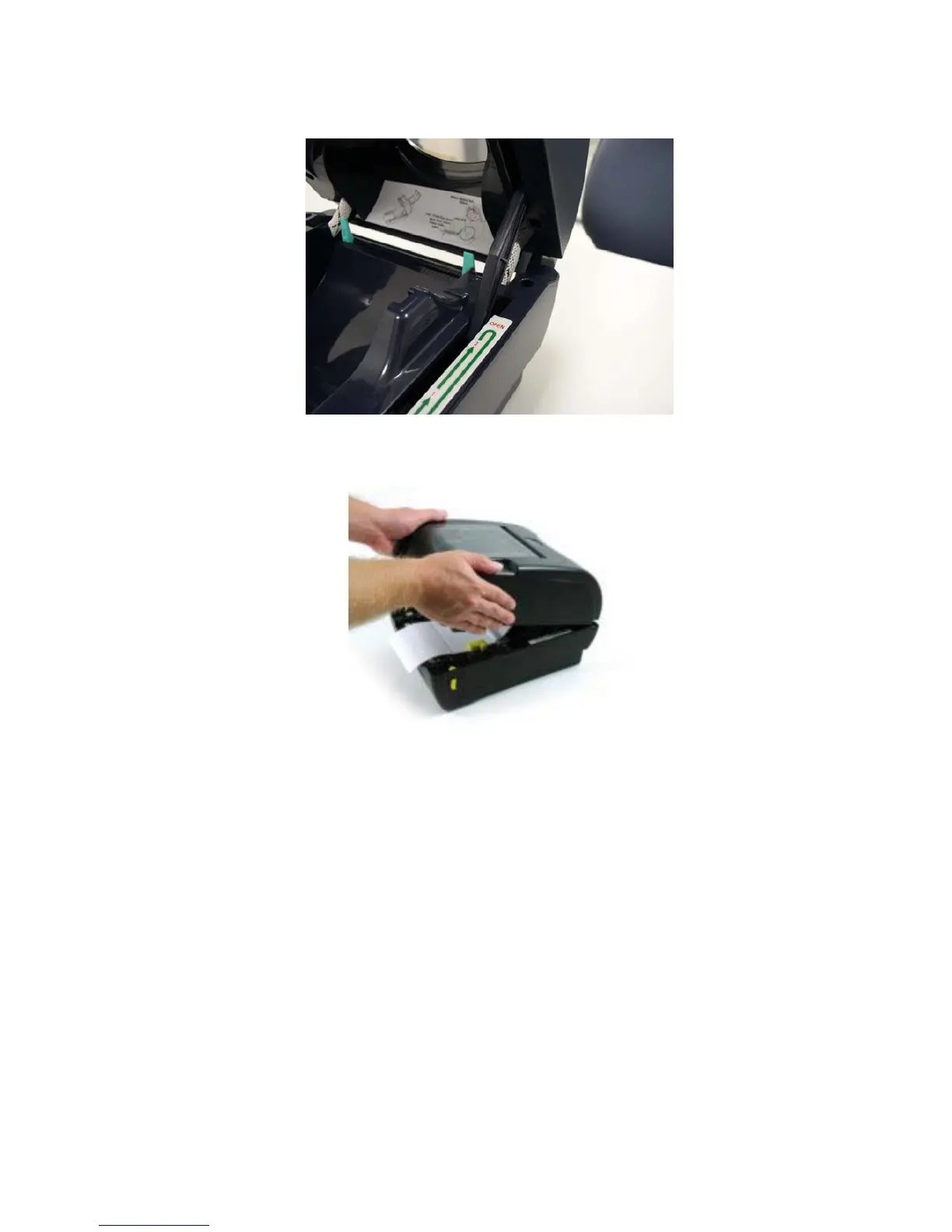
Figure 8: Top cover is fully open and ready to close
Figure 9: Use both hands to close the top cover
5. Do not force the cover! If you are not sure if top cover is locked at a stop
position, please do not push top cover to close it or the top cover will be
damaged. Instead, open the top cover as wide as it will go and close the
cover again. Use both hands to push top cover to close it.
7



 To Next Page