2-10 Installing the Module
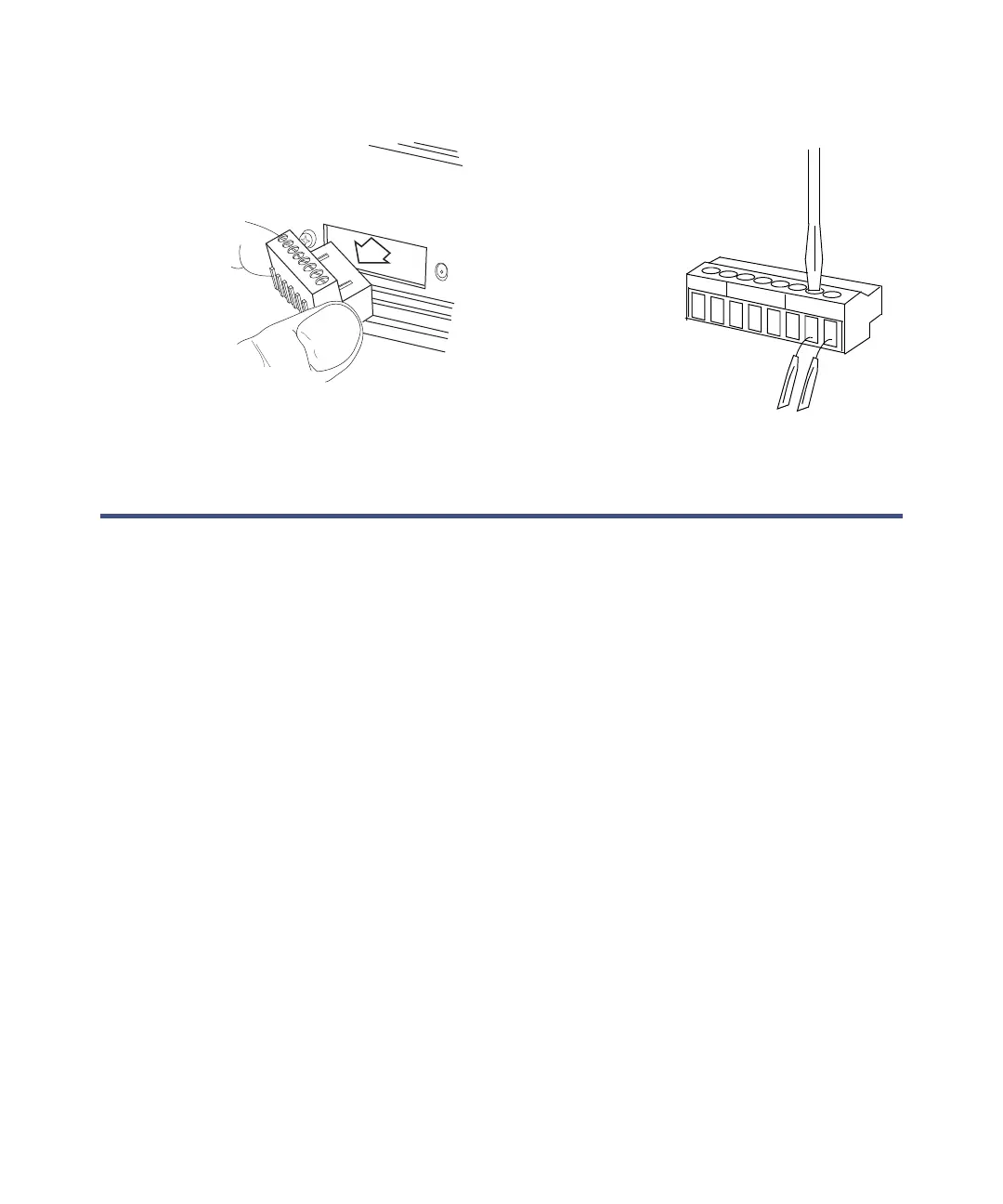
Event connector removal and connections
Connecting the BCD cable
The BCD (binary coded decimal) connection on the e-SAT/IN module allows
the module to read and record BCD-encoded data from your controller
instrument, such as an autosampler, that is compatible with the supported
BCD data format listed in the table titled “BCD connection assignments” on
page 2-11. Refer to the controller instrument operator’s guide for information
about BCD formats. For information about using the BCD feature, see
Empower Help.
The 9-pin BCD connection requires a compatible BCD cable. This cable is not
provided with the e-SAT/IN module or other Waters instrumentation as
standard equipment. BCD cables are usually available from the autosampler
manufacturer. Refer to Appendix C for a Waters BCD cable accessory part
number.
To connect the BCD cable:
1. Connect the BCD cable to the connector labeled BCD on the rear panel
of the e-SAT/IN module.
2. Connect the other end of the cable to the BCD interface.
To injector
1
2
3
4
5
6
7
8
Remove
connector



 To Next Page