Troubleshooting 3-17
c. Select File > Open to open the Method set.
d. From the 2D Channels table, click either sample or standard when
you want to apply smoothing to the selected injection.
e. Select Apply Method Set > Save to view the smoothed channel.
10. Create a smoothed channel using Processing, as follows:
a. Select Sample Set or Injection(s).
b. Select Process.
c. Select Apply Method Set and specify the name.
Troubleshooting
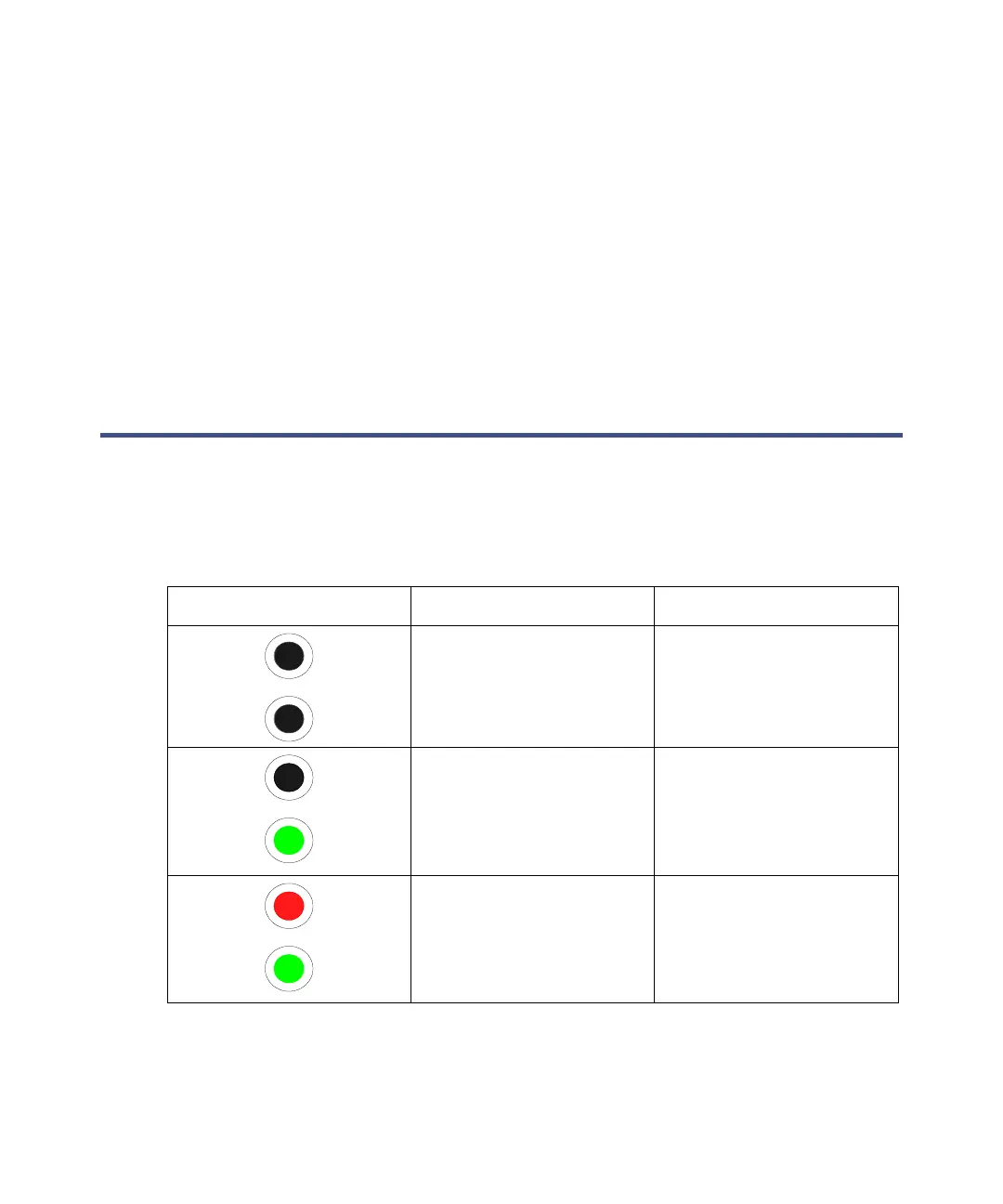
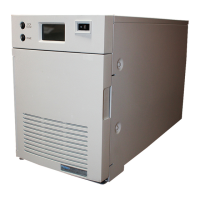
During power-on and operation, the e-SAT/IN module indicates its status
using the LEDs on the front panel. Refer to the following table for a summary
of the LED indicators.
Summary of LED indicators
LED indicator Visual state Meaning
Data (amber) LED – Off
Power (green) LED –
Off
Power is Off, or the
power-on test was
unsuccessful.
Data (amber) LED – Off
Power (green) LED –
On
Power is On. The
power-on test sequence
is successful, and the
unit obtained an IP
address.
Data (amber) LED – On
Power (green) LED –
On
The device is On, ready
for acquisition, and
waiting for an injection
to occur.



 To Next Page