3-18 Using the e-SAT/IN Module
Power-on problems
If the power LED does not light, check the following:
• Power supply is connected to a functional grounded AC voltage source.
• Power supply cable is properly attached to the e-SAT/IN module.
• e-SAT/IN module power switch is set to the on (1) position.
System troubleshooting
To perform basic system troubleshooting:
1. Examine the system, checking the simple things first. Is something
obvious causing the problem? For example, is an instrument unplugged
or improperly connected?
2. Compare the current system operation with the way the system
operated before the problem started. To help you identify normal
operating conditions:
a. Create a map of your LC system (tubing and electrical connections).
b. Keep a daily log.
c. Run test chromatograms regularly.
Step b points out the importance of keeping track of system parameters
and the results of your chromatography during normal operation.
Troubleshooting is easier if you know the typical conditions when the
system is operating correctly.
For example, if your system usually runs at n psi with a certain method,
is the system pressure currently in the same range, or drastically higher
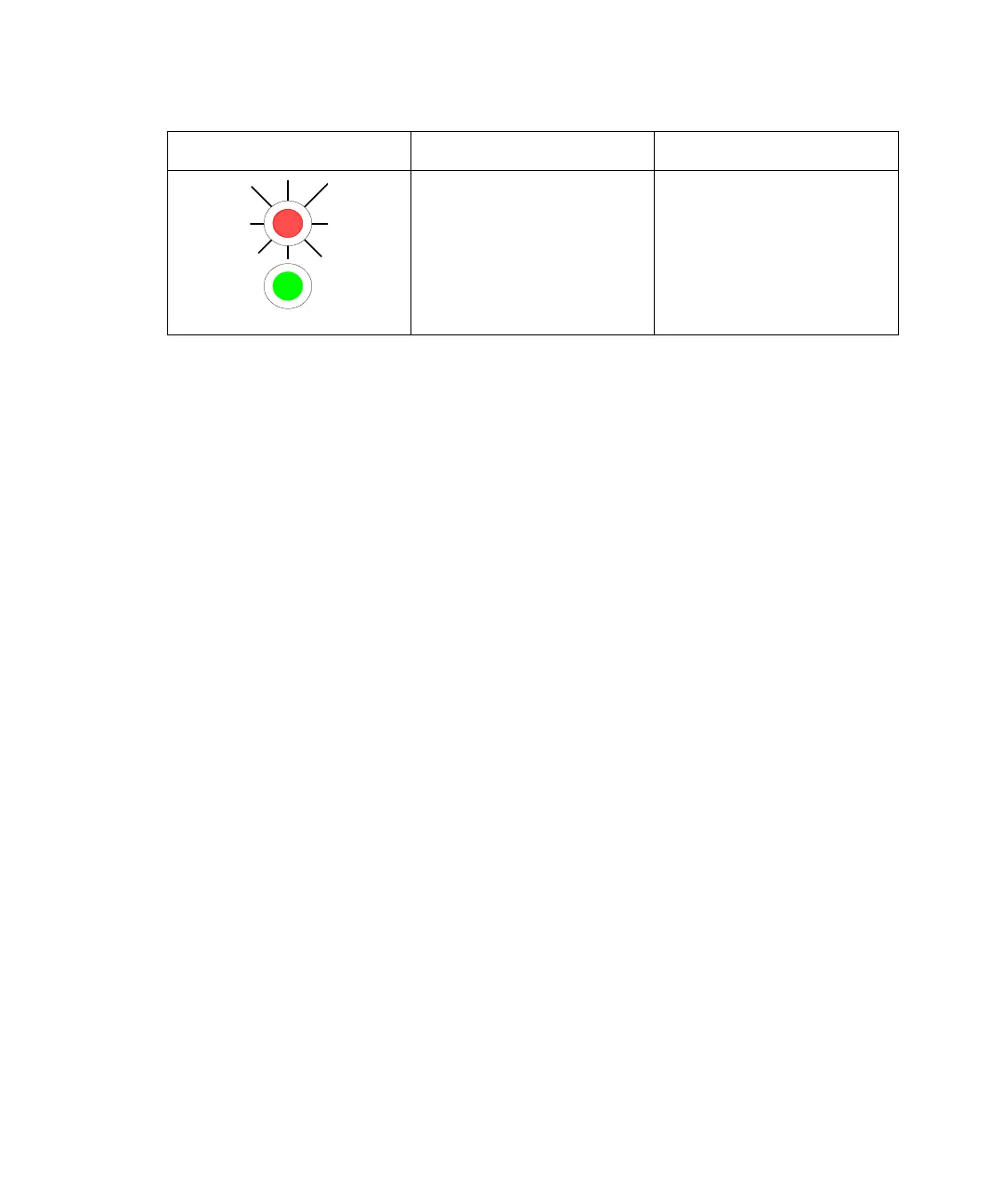
Data (amber) LED –
Blinking (at a 5-Hz
cycle sampling rate)
Power (green) LED –
On
Data is being collected.
Summary of LED indicators (Continued)
LED indicator Visual state Meaning



 To Next Page