Configuring the e-SAT/IN module 3-15
4. When an e-SAT/IN module is listed, you can modify the preferences
using the Instrument Method Editor. When the e-SAT/IN module(s) is
not listed, you can add a new instrument to activate the e-SAT/IN
module as an active device.
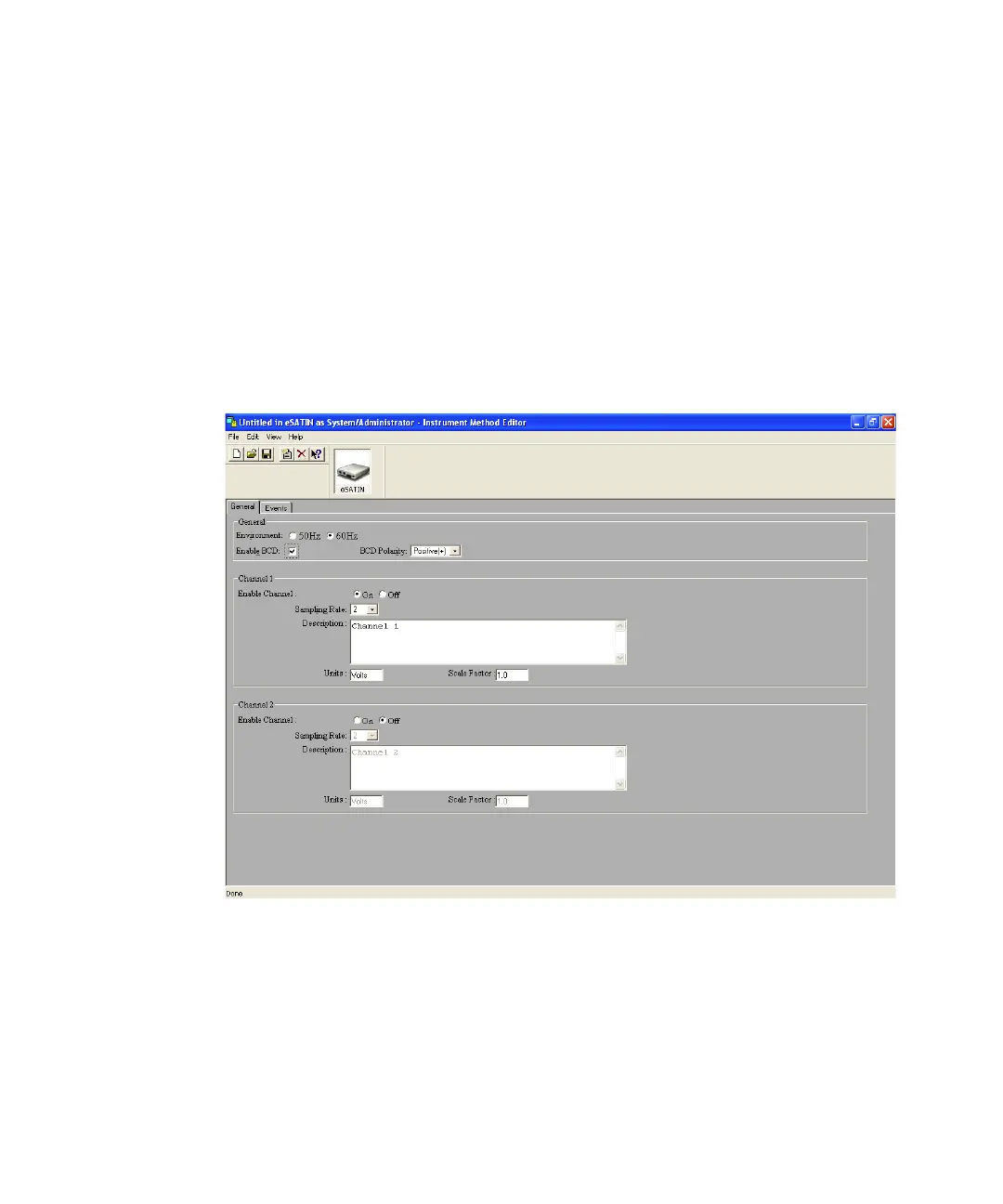
5. The Instrument Method Editor appears. This window has a selection of
instrument icons located in the window header. Click e-SAT/IN. The
e-SAT/IN General tab appears.
6. See “e-SAT/IN General tab” on page 3-7 and “e-SAT/IN Events tab” on
page 3-9 for full details.
Instrument Method Editor, e-SAT/IN General tab
Smoothing noise in Empower
The smoothing feature in Empower decreases noise by using Savitsky-Golay
filtering to average a defined number of data points. You create a derived
channel to apply smoothing to data channel data.



 To Next Page