Configuring the e-SAT/IN module 3-5
Active instrument list
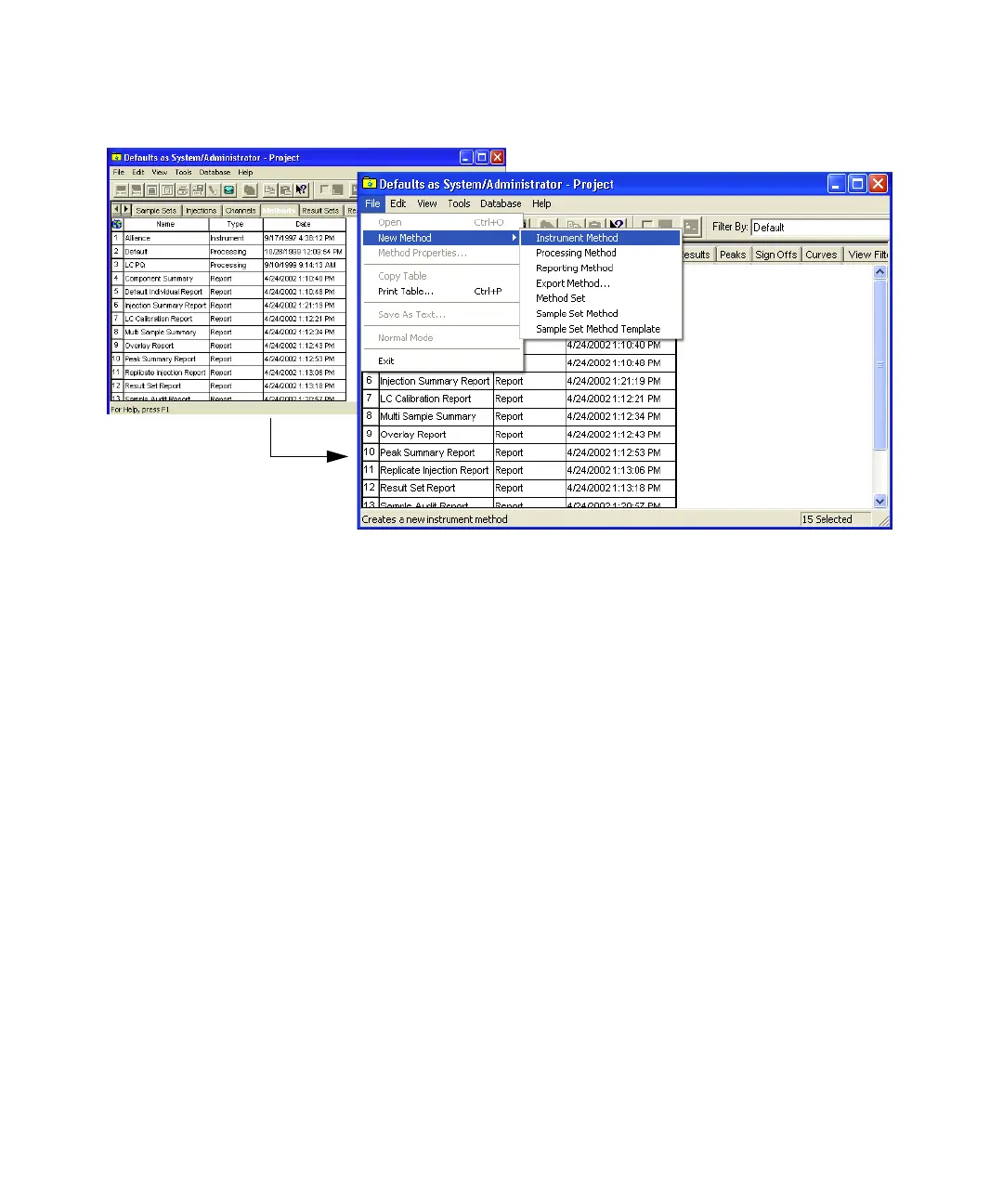
4. When an e-SAT/IN module is listed, you can a modify the preferences
using the Instrument Method Editor. When the e-SAT/IN module(s) is
not listed, you can add a new instrument to designate the e-SAT/IN
module as an active device.



 To Next Page