50 51
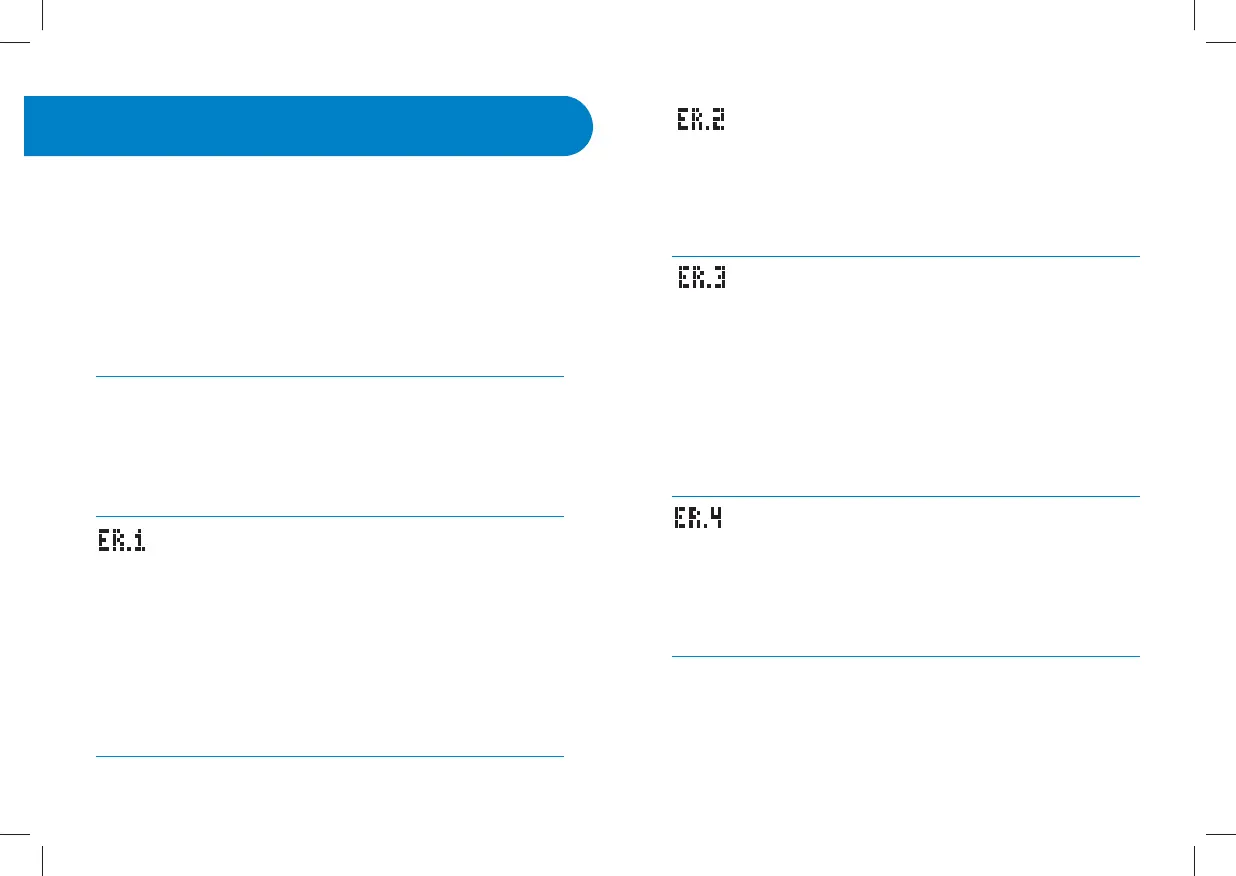
Error 2:
The meter has detected an irregularity with the sample.
[1] The test strip may be partially filled; you should check the
window of the test strip to confirm that it is full.
[2] The sample may not be blood or control solution.
Error 3:
The meter has detected that the test strip is in poor condition.
[1] The test strip may have been improperly stored (e.g. hot,
humid conditions) or may be expired.
[2] The test strip may have been mishandled by vigorous
bending or shaking.
[3] Parts of the test strip may have become covered in grease,
oil, or lotion.
[4] The strip port connector may be dirty.
Error 4:
Unusual test strip problems have occurred that may be
related to extreme conditions.
[1] Retest where it is closer to a room temperature of 70 °F to
75 °F (21 °C to 24 °C).
The WaveSense Jazz Blood Glucose Monitoring System has
been designed to work accurately under normal conditions.
On rare occasions, the meter will display an error message
instead of a glucose result. The WaveSense Jazz System is able
to detect specific problems which may allow you to deter-
mine the cause of the error without wasting valuable test
strips. When you are presented with an error message, check
for common problems within this chapter that may explain
the source of the error.
CAUTION: In certain cases, the meter may return an error
code or provide an inaccurate result if it is being used near
electrical equipment, like a power generator or a comput-
er monitor. If this is the case, move the meter away from
the source of electrical interference.
Error 1:
Problems have occurred that are related to test strip use.
[1] If this message appears the moment the test strip is in-
serted, the test strip may be wet or damaged.
[2] If the message appears during a test, the test strip may
have been removed too early.
[3] If this message appears after the last progress bar instead
of a result, it may indicate that you applied more blood after
testing began.
Errors and Troubleshooting
19
CHAPTER


 To Next Page