23
GB
Setting the remaining operating time
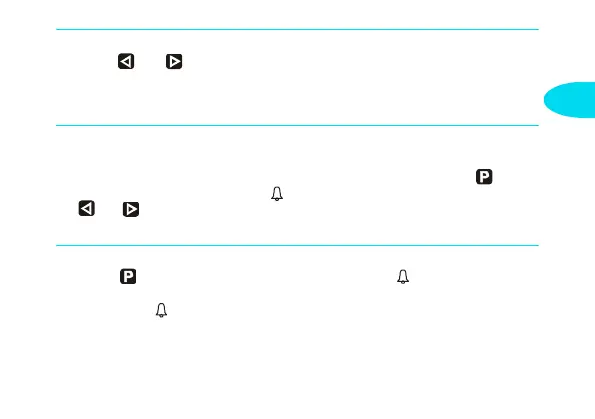
Press the and buttons to set the required remaining operating time (1 to
120 minutes). The remaining operating time is the time during which the heater
continues to operate. It can only be changed while the heater is operating and
the ignition is off.
Setting the alarm time
An alarm time can only be programmed with the standard clock.
The alarm time is not fixed to a particular day of the week. Press the button
several times until the bell symbol appears on the display. Press
the and buttons to set the required alarm time.
The alarm switches off after 5 minutes or when any of the buttons is pressed.
Checking/deleting the alarm time
Press the button several times until the bell symbol appears on the dis-
play – read off the alarm time. Deleting the alarm time: Press the button until
the bell symbol no longer appears on the display.
2010_2016_BA.book Seite 23 Dienstag, 24. Mai 2005 9:48 09


 To Next Page
 Loading...