8
GAS INSTRUCTIONS
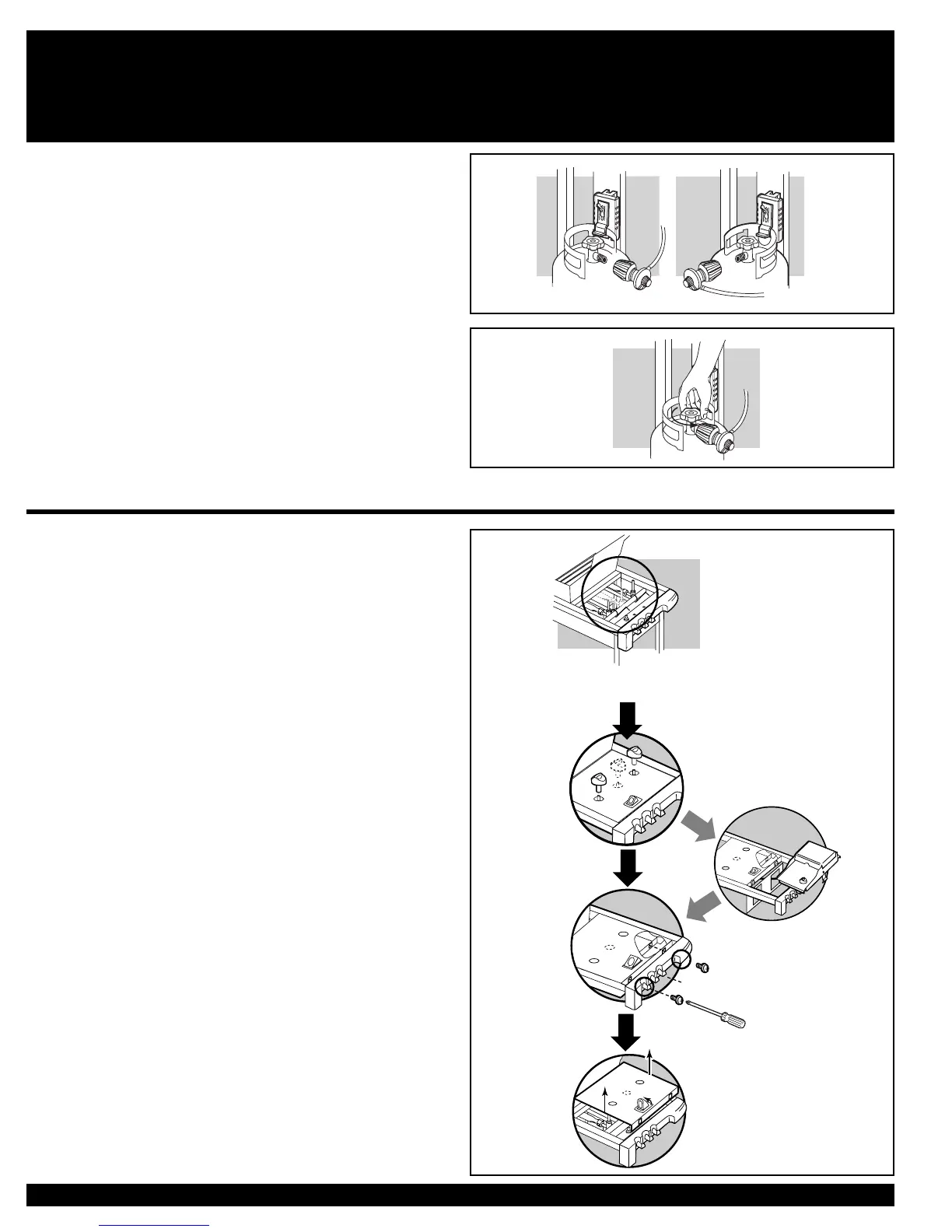
WARNING: Do not use a wrench to tighten the
connection. Using a wrench could damage the
regulator coupling and could cause a leak.
5) Mix soap and water.
6) Turn on the cylinder valve.
7) Check for leaks by wetting the fi tting with the soap and water solution
and watching for bubbles. If bubbles form, or if a bubble grows, there is
a leak.
If there is a leak, turn off the gas and tighten the fi tting. Turn the gas back on
and recheck with the soap and water solution.
If leak does not stop, Contact the Customer Service Representative in your
area using the contact information on our web site. Log onto www.weber.com
®
.
Do not use the barbecue.
8) When leak checking is complete, turn gas supply OFF at the source
and rinse connections with water.
A
F<?I8E45:B?75
C?4G<AH@5
F<?I8E6:B?76
C?4G<AH@6
REMOVE CONTROL PANEL AND BURNER CONTROL KNOBS
You will need: Phillips screwdriver.
1) Remove control knobs.
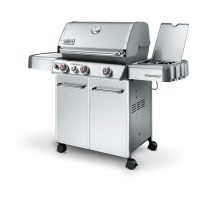
SILVER, GOLD AND PLATINUM C MODELS
2a) Unhook side burner from Cookbox Frame.
2) Remove screws with a Phillips screwdriver
3) Pull up igniter button until it sticks in the up position and remove control
panel from grill.
4) Replace control panel when Leak Check is completed.





 To Next Page