31
WeCo Srl Italy www.wecobatteries.com 4K4LT V1.00 24/01/2023
6 BATTERY ACTIVATION AND SHUTDOWN
6.1 Panel buttons and LED explanation
Warning: The drawings in this manual are for reference only.
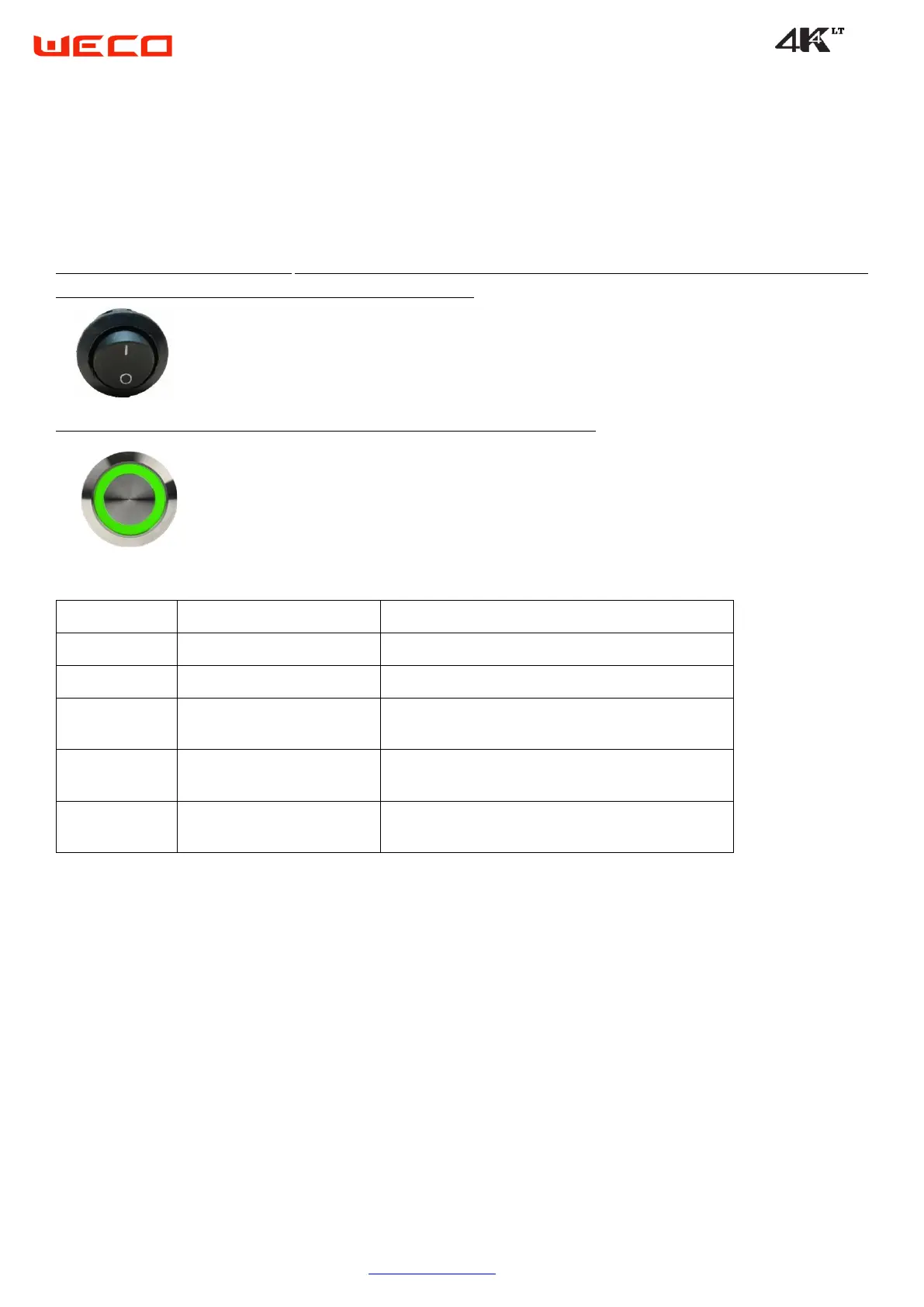
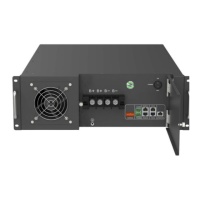
BMS Power Switch (rocker switch), may be located on the right shoulder of the battery next to the RUN button or under
the connector or recover door near the OPERATOR PORT RJ45
RUN/STOP button, The power button may be on the top or side of the battery.
Status of function or indication
Turn the BMS module on or off
Turn the battery on or off (power)
Flashes green when the battery
module starts
When the battery starts normally, it flashes for 5 seconds
Solid green when the battery
module is operating normally
When the battery is working normally, the power button
will remain solid green
It turns off with the pressure of 5
seconds.
By pressing the RUN button for 5 seconds the battery will
be turned off (LED light off)
6.2 Stand-alone battery front control panel
6.2.1 Initiation of the battery
Briefly press the power button 1-2 seconds. The green light of the power button flashes.
The battery has been activated normally and the circuit is closed when the green light of the LED becomes fixed.
6.2.2 Turn off the battery.
Long press the power button for three to five seconds.
The green light of the power button turns off.
The battery was turned off normally.


 To Next Page