49
July, 2016
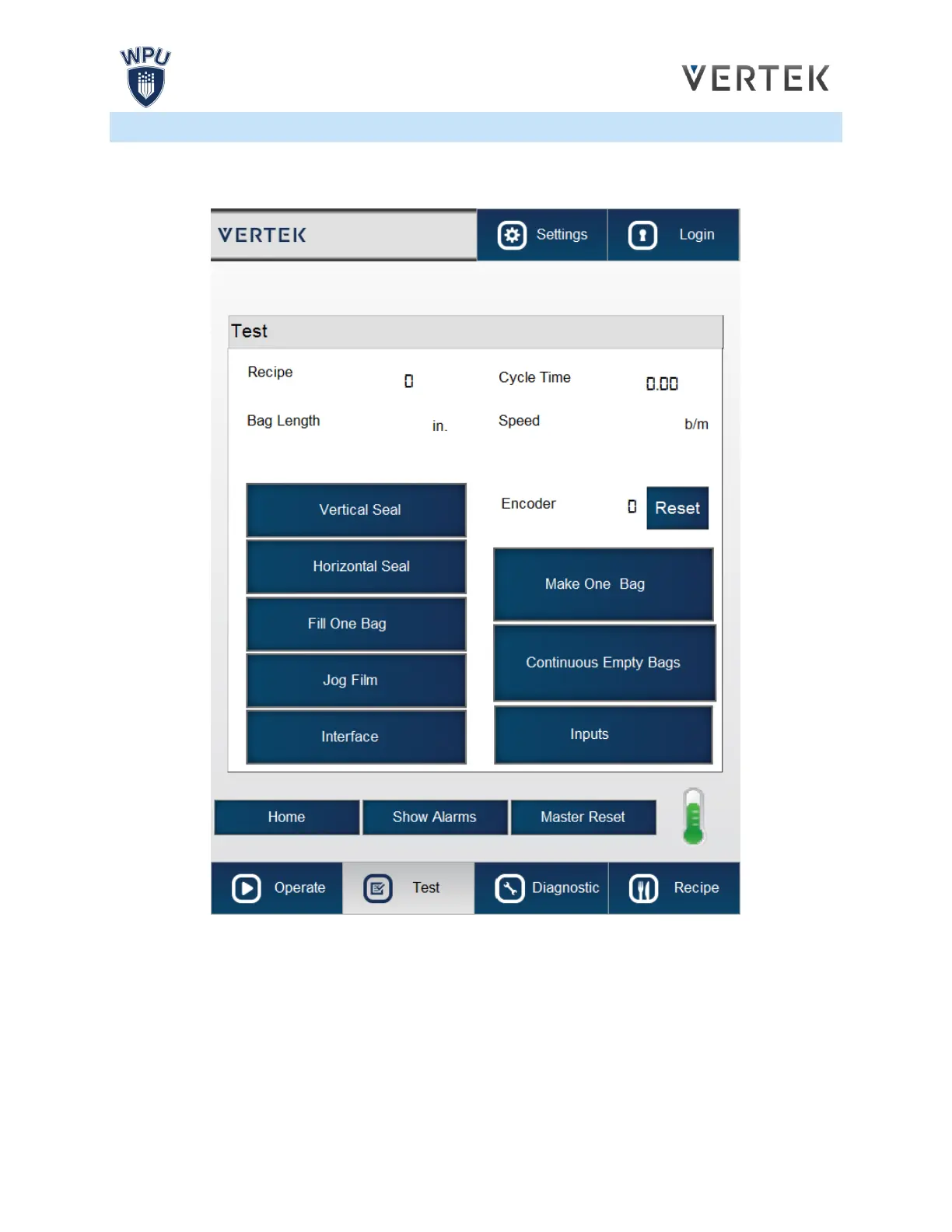
TEST SCREEN
The Test screen allows the operator to run the bagger in a semi-automatic mode. In this mode, the
system settings can be tested in a controlled manner.
RECIPE: Displays the number of the Recipe that is presently loaded. [Press the number field to enter a
value]
BAG LENGTH: Pressing this field will allow the operator to change the bag length; changing the bag
length in the Auto screen will not save it to the machines memory. To change the bag length and save the
new length to the bagger’s memory, the operator must go to the Recipe screen. [Press the number field
to enter a value



 To Next Page