Ⓒ weinor GmbH & Co. KG EN | 69
Important:
Inthereceivers,allautomaticfunctionsareswitchedoin
general and the receiver no longer reacts to automatic time
switch commands or shading commands from programmed
sensors.
Exception:
Alarm motions caused by reported alarms from corresponding
sensors are still performed (e.g., from wind and rain sensors).
“Automatic” operating mode:
The operating mode display lights up in green and the oper-
ating mode in the display changes to “Auto”.
• The receiver now executes automatic and manual travel
commands.
Important:
Switching the operating mode in the central channel
changes the “Auto” or “Manual” operating mode for all the
individual channels.
Dierent“Auto”and “Manual” operating modes for the
individual channels are displayed in orange and with an
“automatic symbol” and a “manual symbol” side-by-side on
the display.
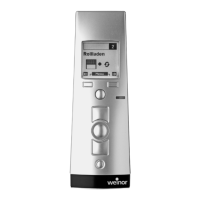
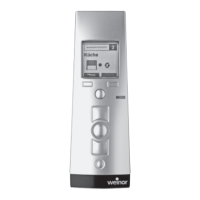
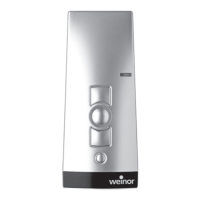
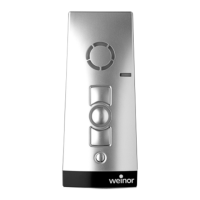
4.4.6 UP, DOWN and STOP buttons
Pressing these buttons triggers a travel motion or stops the
receivers programmed in the channel.
BiEasy-15Mgo_weinor_BA_18112801_DE+EN_0218.indb 69 26.02.2018 13:50:47


 To Next Page
 Loading...