Page 7
INVERTER TIG PRO WELDERS (cont.)
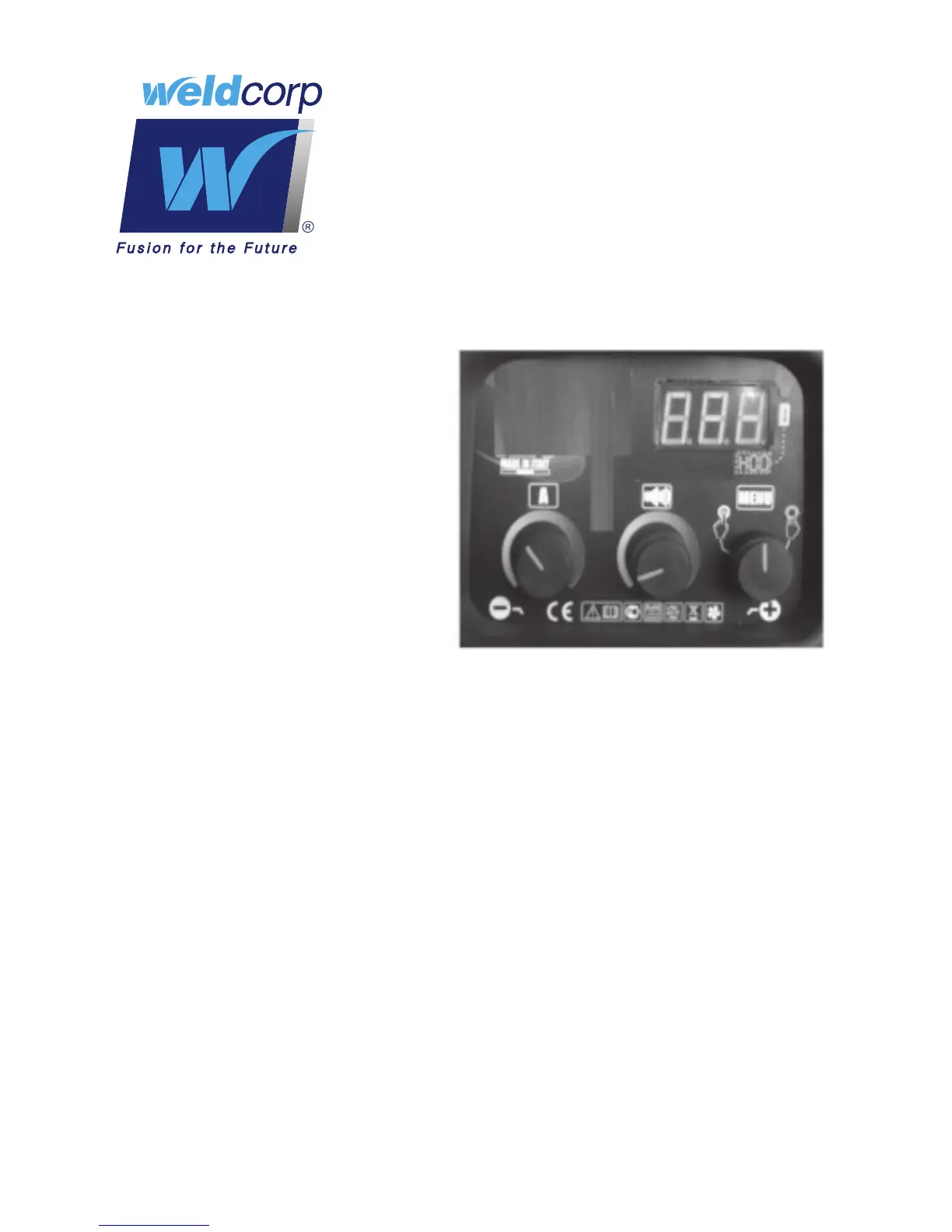
When the manual mode is selected,
the display will show “Man”; the
selfregulation of welding current
is disabled. The user can select the
desired setting of the welding current
and the type/diameter of the electrode.
Pushing the knob “MENU”, it is possible
to select the TIG welding. The display
will show “TIG”. Turning the knob “AMP”
it is possible to choose the desired
welding current.
MANUAL SELECTION
TIG SELECTION
MAINS ANALYSIS
At each turn on, the machine analyzes the electrical network checking the supply voltage
(SAFETY POWER) and the grounding system (SAFETY USER).
SAFETY USER
At each turn on, the machine scans the electrical grid to check if the system is equipped
with grounding system. The outcome of the verication is stored on its internal memory.
The purpose is to ensure the user safety . In case of negative outcome, the user will push
the knob “MENU” to continue using the welding machine. The event will be stored in the
memory and the data can be retrieved from a service centre.
SAFETY POWER
At each turn on, the machine performs the check of the supply voltage.
When the voltage supply is less than 1 BOV, the machine go in protection mode and it won’t
weld until the voltage supply is not within the allowed limits, the display will show “LO”.
When the voltage supply is greater than 250V, the machine go in protection mode and it
won’t weld until the voltage supply is not within the allowed limits, the display will show “HI”.


 To Next Page